CSCI 441 - Computer GraphicsFall 2025 |
|
| | Home | Tasks | Leaders | Schedule | FAQ | Resources | | |
The Scarab God
A1: This sign was created in OpenGL for Assignment 1. It features the name of My Hero combined with a circular crest, all drawn using triangle primitives and transformations. 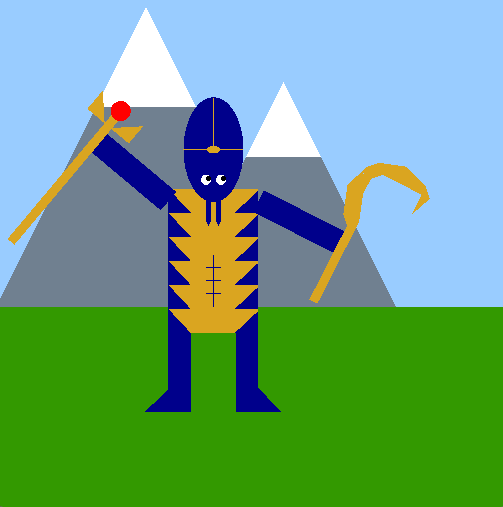
A2: My hero, The Scarab God, was created in OpenGL for Assignment 2. It features idle animation of raising and lowering the right arm, keyboard callbacks such as WASD movement and raising the left arm by pressing R, mouse callbacks such as shooting a beam if left click and R are both pressed and changing the staff orb color if just left click is pressed. It also has features such as the eyes looking at the cursor and the beam from the staff being shot at the cursor. Finally it involves screen wrapping when the hero is moving off the screen onto a new map screen. 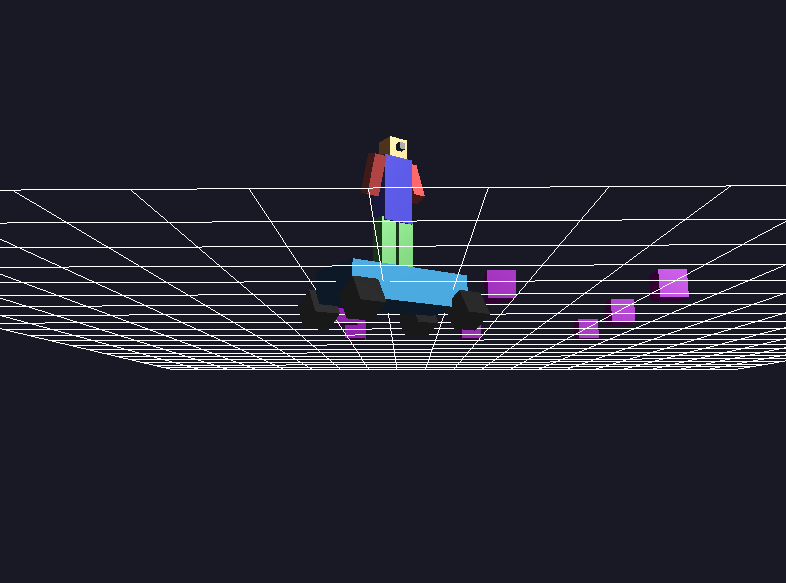
A3: I expanded upon my OpenGL experience by building a fully animated, heirarchical scene. This project includes a cube-based hero standing on top of a basic car, both constructed using heirarcical transformations. The hero's arm swing continuously while the car's wheels spin dynamically as it moves. The scene involves a interactive arcball camera that can orbit or zoom about the hero. It also includes Phong + Gouraud lighting for visual depth and keyboard controls for movement and rotation of the hero. 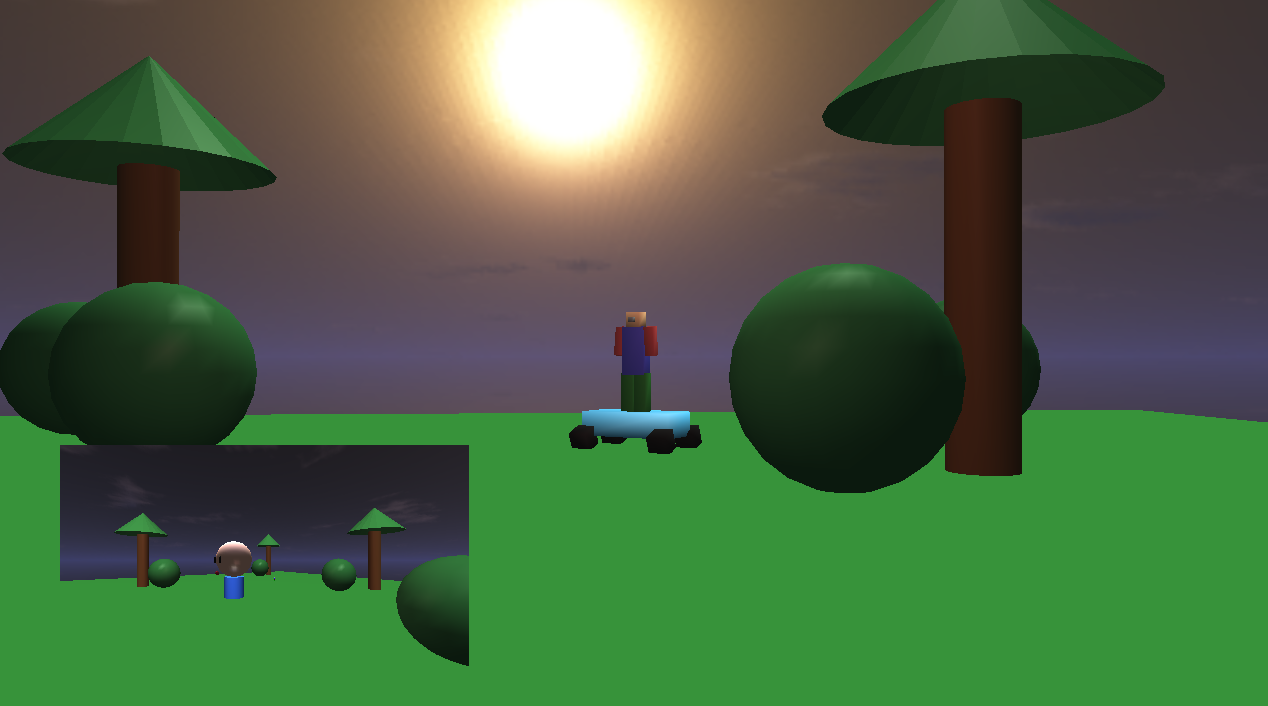
Midterm Project: Working collaboratively within our guild, we created a fully interactive 3D world built in OpenGL. The scene features multiple animated cube-based heroes that can move across a dynamic environment populated with additional 3D objects. Users can toggle between an arcball camera that orbits the active hero, a free camera for full-scene exploration, and a first-person camera embedded in the hero’s view, displayed through a picture-in-picture viewport. The world is illuminated using the full Phong Reflectance Model with Gouraud shading, combining directional, point, and spot lighting for realistic visual depth. A textured skybox surrounds the environment, completing an immersive, fully lit, and animated OpenGL scene. 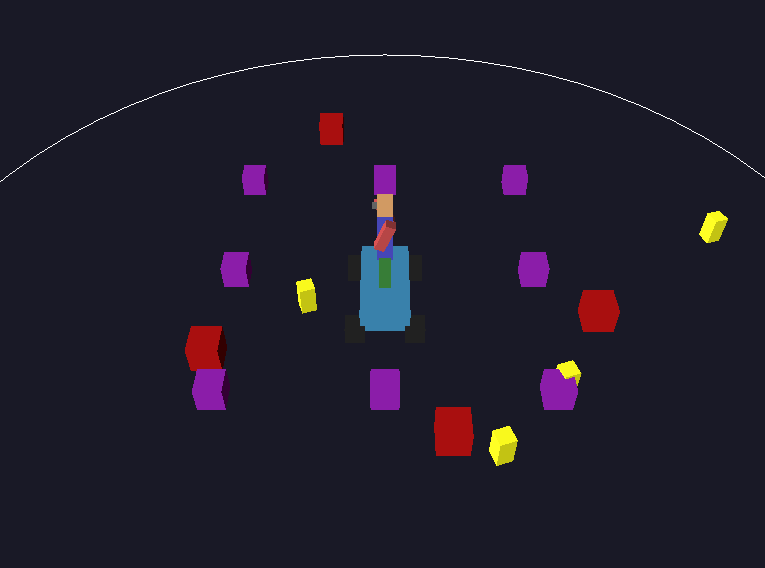
A4: I learned new OpenGL skills by building upon my previous A3 assignment and making a game that incorporates a particle system and collision detection. The project includes a hero that is controllable by the user standing on top of a car, both constructed by heirarchical modeling. In addition to the hero, the project also renders obstacles, enemies that can do damage to and kill the hero, and coins that the hero must collect all of in order to win the game. Finally the project shows a circular arena that the hero and enemies must stay inside of otherwise they will die. The enemies continuously move toward the hero with their heading being continuously updated every frame and collision detection is utilized for all objects (hero, coins, enemies, obstacles). 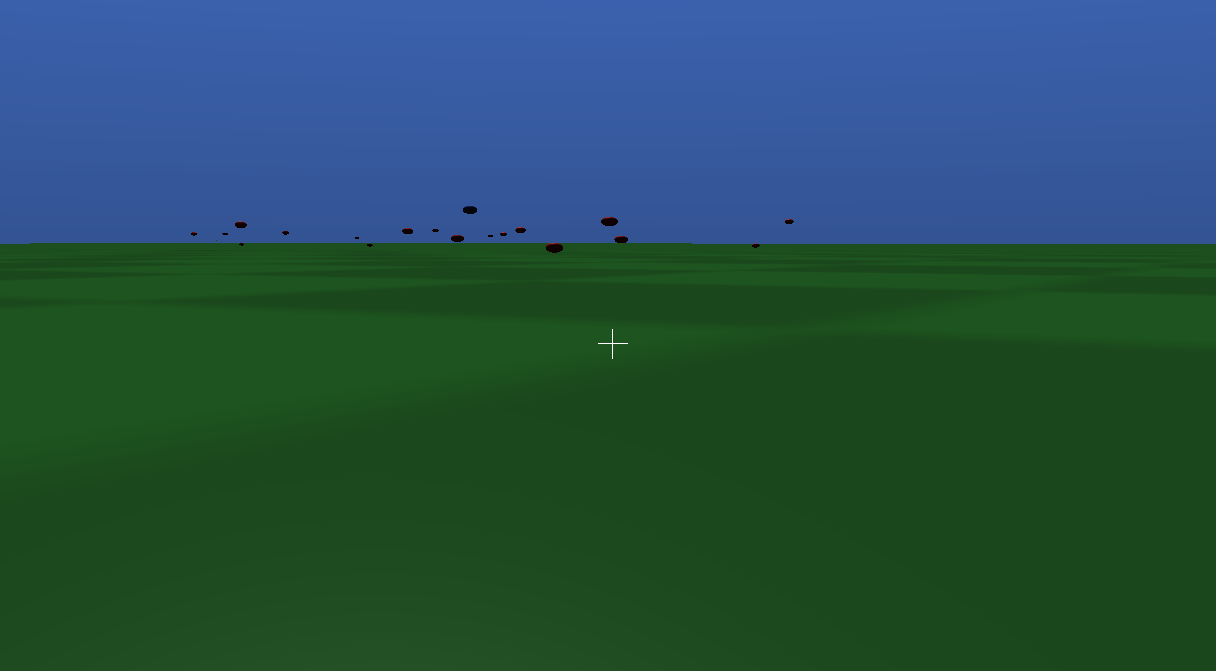
For the final project, I designed and implemented a real-time first-person horde-survival game using modern OpenGL. The scene features an animated player character navigating a bounded 3D world populated by autonomous enemies that track and pursue the player. Combat mechanics include projectile firing, enemy hit detection, and a score-based progression system. The environment is fully lit using a Blinn–Phong reflectance model with directional lighting, dynamic point lighting for muzzle flashes, and material-based shading. Textured surfaces and alpha-blended particle sprites are used to create visual effects such as ground detail and enemy death bursts, while a skybox provides environmental context. Advanced animation techniques are incorporated through an arc-length-parameterized cubic Bézier curve, along which a moving target travels at constant speed, creating a smooth and challenging guided motion. Multiple camera perspectives, including a first-person view and an inset third-person arcball overlay, support both immersive gameplay and situational awareness, resulting in a complete, interactive, and visually dynamic OpenGL experience. 
Lab00A: This lab used triangle primitives and transformations to make a couple pyramid designs. 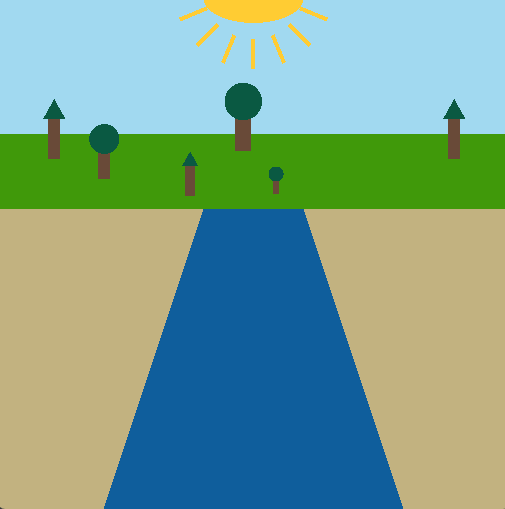
Lab00B: This lab incorporated skills gained in Lab00A in order to recreate a scene from my hometown. I chose to draw a lake with beachsides and trees on the horizon. 
Lab01: This lab incorporated animation and user inputs in order to take a twist on Lab00A. The triangle spins constantly and changes color if the mouse is pressed or if 'C' is clicked. 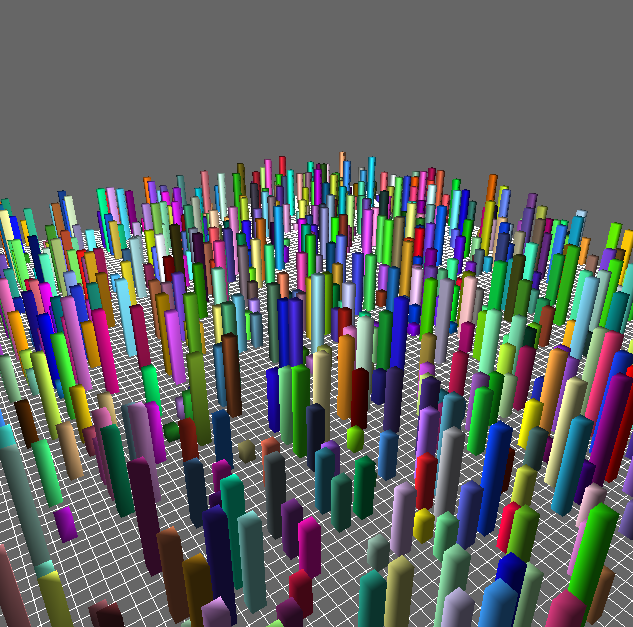
Lab02: This lab incorporates a free cam that can fly around the buildings in the above image. The camera moves forward by pressing or holding the 'w' key, backward by pressing or holding the 's' key and changes view by moving the mouse. 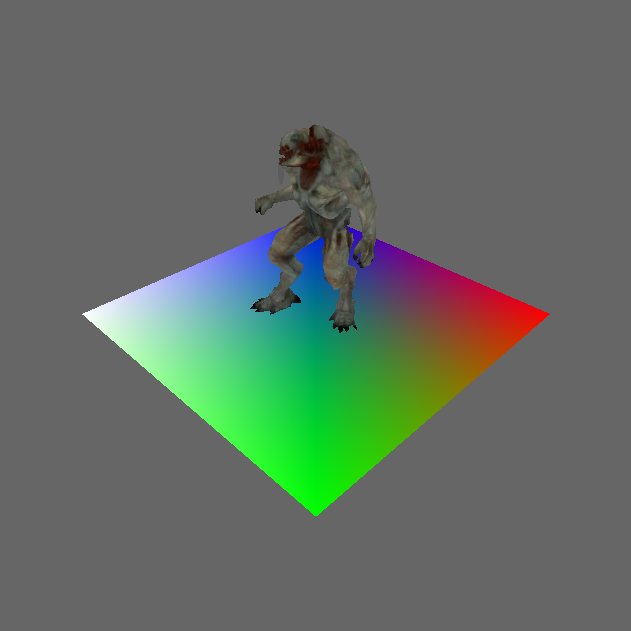
Lab03: This lab introduces VAO, VBO, and IBO setup in order to draw the mesh of this creature. 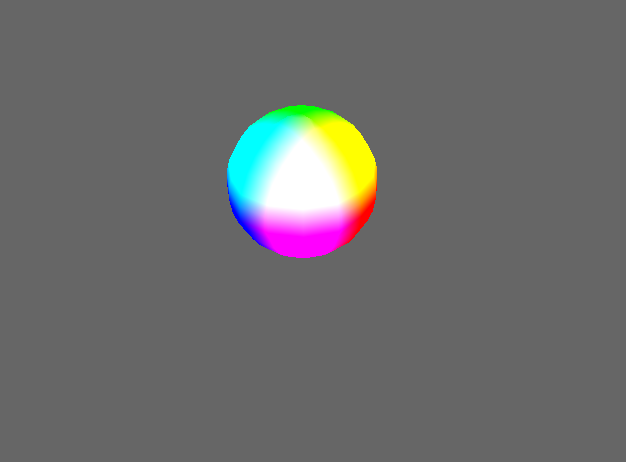
Lab04: This lab introduced vertex and fragment shader setup in order to draw different meshes. 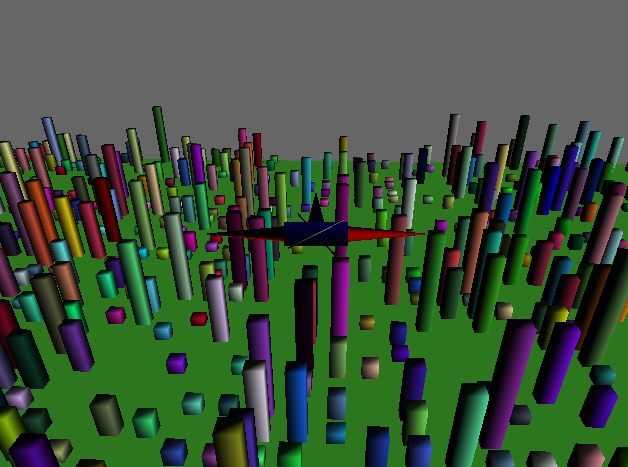
Lab05: This lab introduced diffuse lighting in order to get a more realistic drawing/flight simulator. 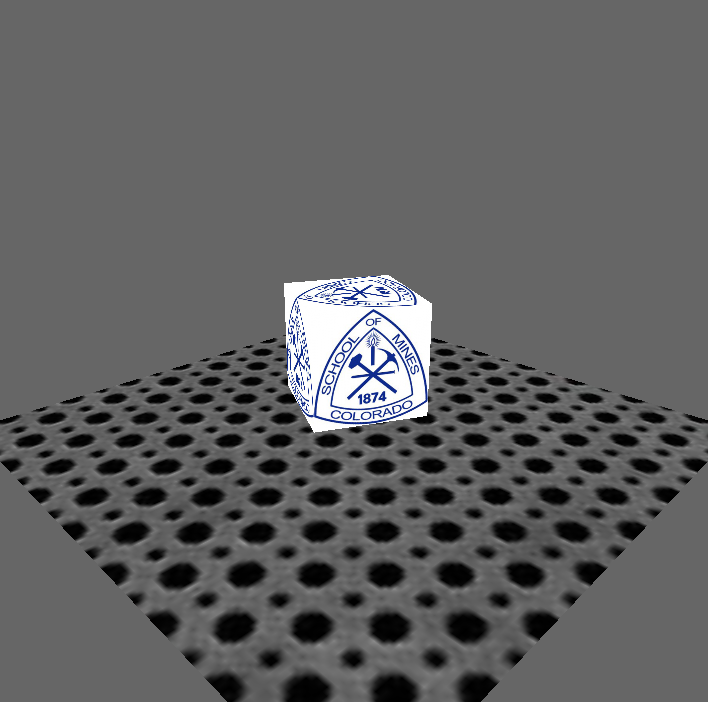
Lab06: This lab introduced texturing in order to draw different meshes with the same texture. 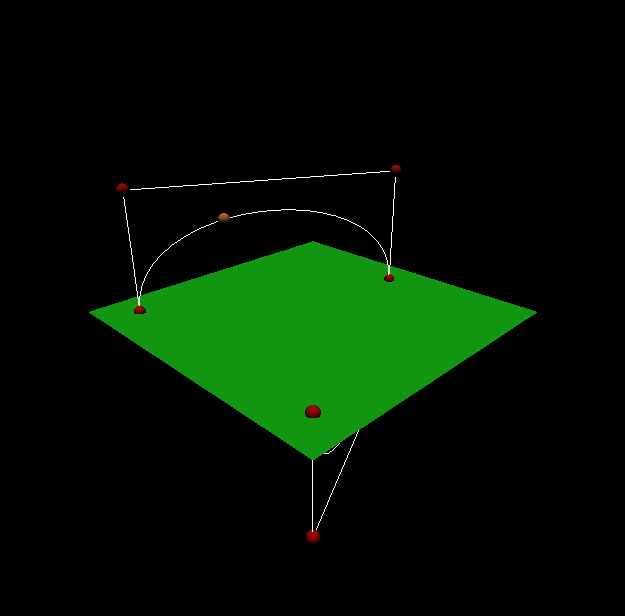
Lab08: This lab introduced Bezier curves and animating a sphere along the curve 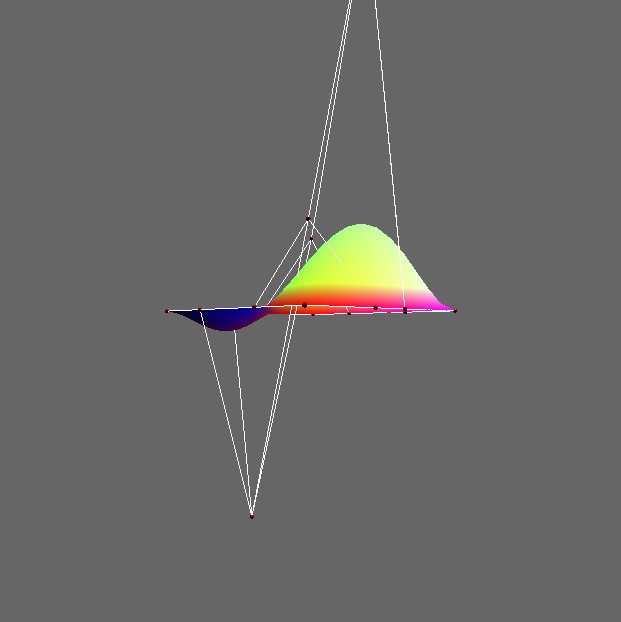
Lab09: This lab built upon Bezier curves by building Bezier surfaces using tessellation shaders. 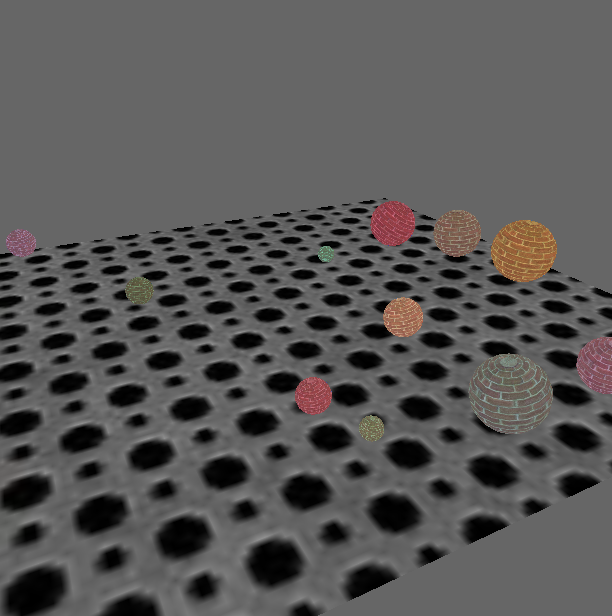
Lab11: This lab introduced simple collision detection and how to handle it within a bounding box between spheres in our system 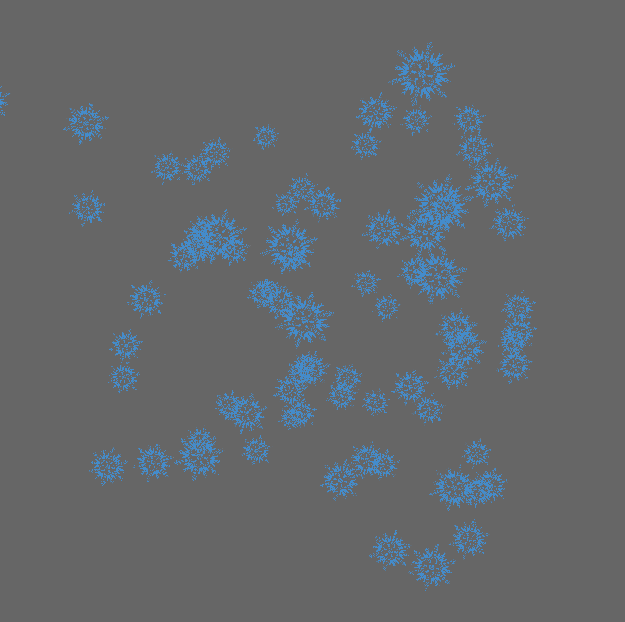
Lab12: This lab introduced geometry shaders and apply texturing for a particle system. This lab also introduced basic billboarding and transparency. | |