CSCI 441 - Computer GraphicsFall 2025 |
|
| | Home | Tasks | Leaders | Schedule | FAQ | Resources | | |
"The Magical Digital Wizard"
Hail hail the gangs all here! 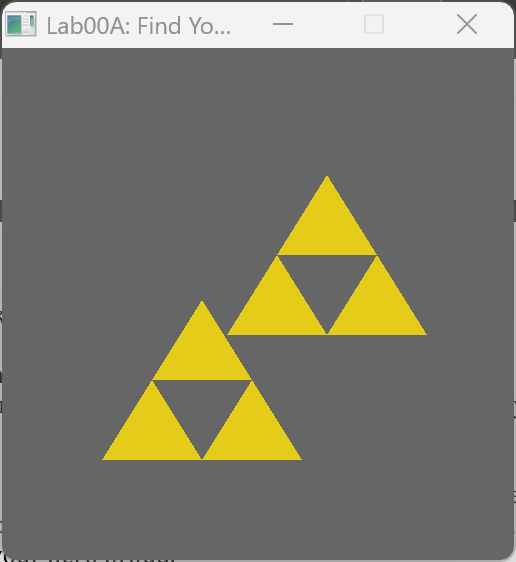
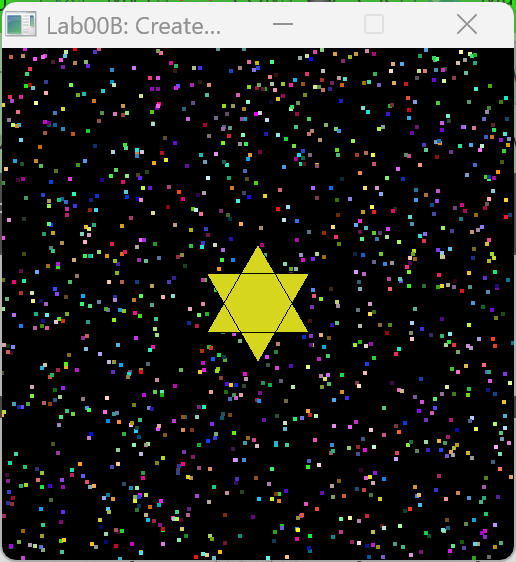
This is the lab00 screenshots. Our lab focused on creating the triforce triangles (from the game Zelda), and then gave us the creative freedom to make our display that is supposed to be of our hometown. I chose to create my digital avatar's "hometown". I am especially proud of my idea to generate random different colored points for the background. 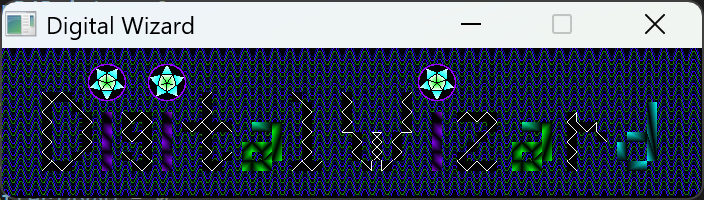
This is the A1 screenshot. Our assignment was to create a logo for our digital avatar in the class given a 700x150 dimensioned window. I took a really long time to create this and am really happy with how it came out. I am especially proud of the background idea where I filled the length of the window with a pattern of different colored sin waves. I am also proud of the letter font I personally designed as well as the "wireframe" like effect I incorporated into each letter. The dot for the letter 'i' also took me quite a while, and am pleased with the geometry it has. The last cool thing I discovered while doing this assignment, was that OpenGL will interpolate colors if you give different points different colors which is how I achievd the cool purple-black, green-black, and tourqoise-black color variation for the letters 'i', 'a', and 'd' respectively 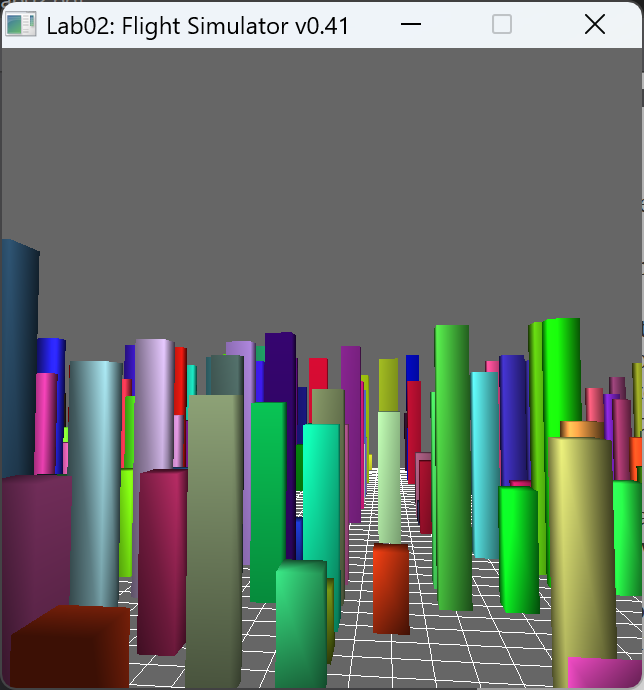
This is the lab02 screenshot. Our lab focused on procedurally generating a basic "city" landscape and then creating a free cam camera to which we used to "fly" around our "city". 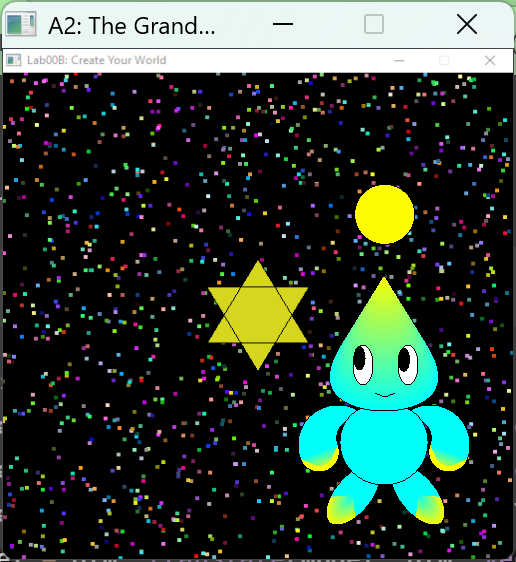 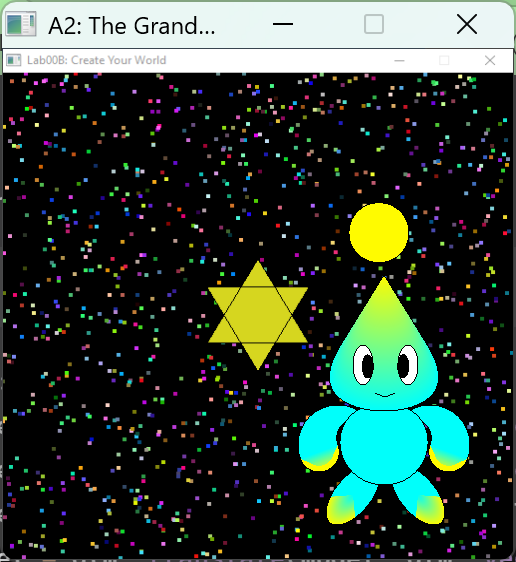
These are pictures from the A2 assignment where we were tasked with creating our digital hero and making it interactive. If you are a fan of Sonic The Hedgehog games/world then my "hero" may look pretty familiar as it resembles a neutral baby chao. I am especially proud of this one as it took quite a while to make. Some fun features in my program that the screenshots do not do justice, is that I got the ball above my hero's head to passively animate in a spiraling pattern (not just circular), and then when you "walk" my hero, the legs move back and forth. I am especially pleased with the overall shapes for my hero, as I got it resemble a Sonic chao pretty dang good with the help of polar mathematical equations that I then converted into cartesian to generate the right points to make the right shapes. Namely the arms were really hard to do as well as the main body and head, and I used 4 polar equations, a limacon shape equation, and a Piriform curve respectively for those body parts. 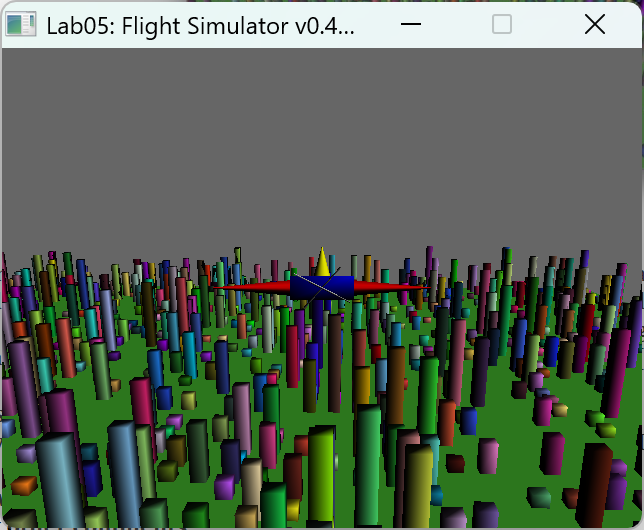 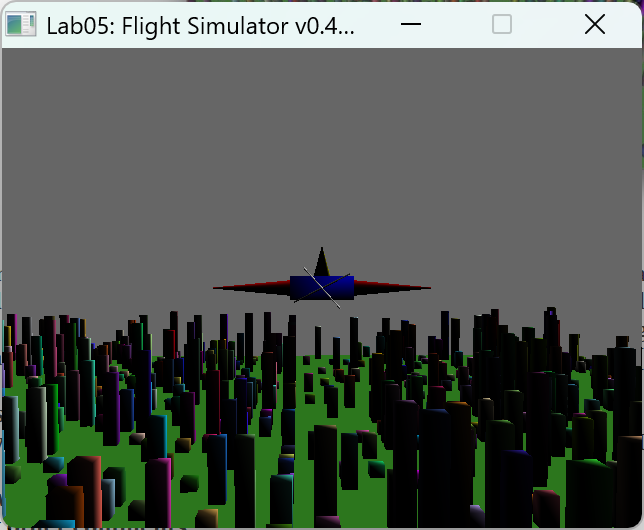
These are pictures from the lab05 assignment were we implemented Gouraud shading with a directional light and diffuse material component for our landscape in which we flew our plane around. 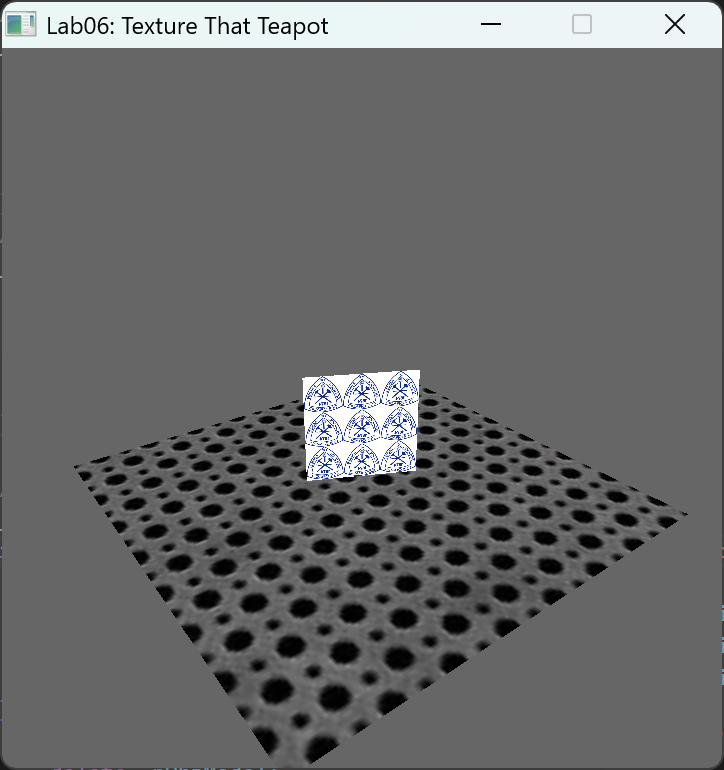 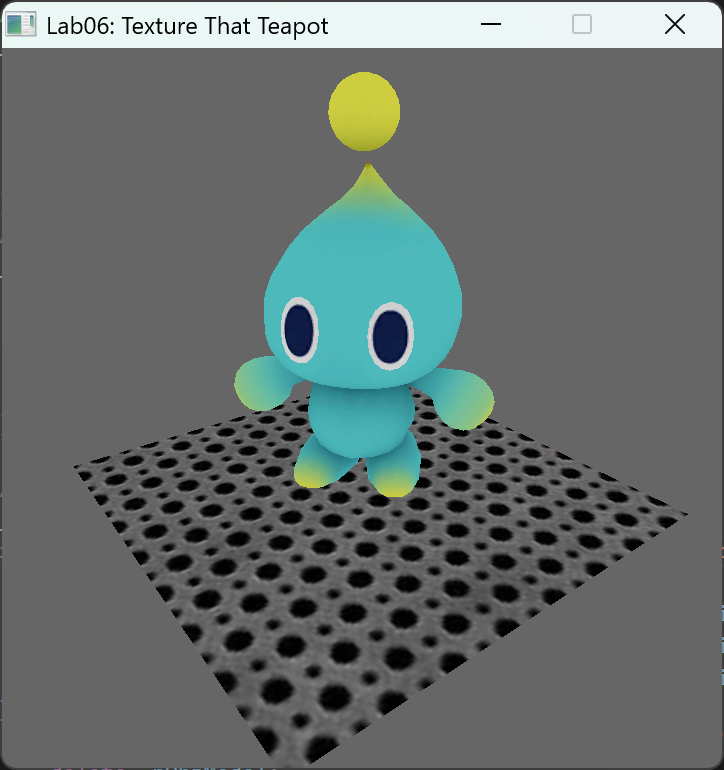
These are pictures from the lab06 assignment were we learned how to apply textures to objects. 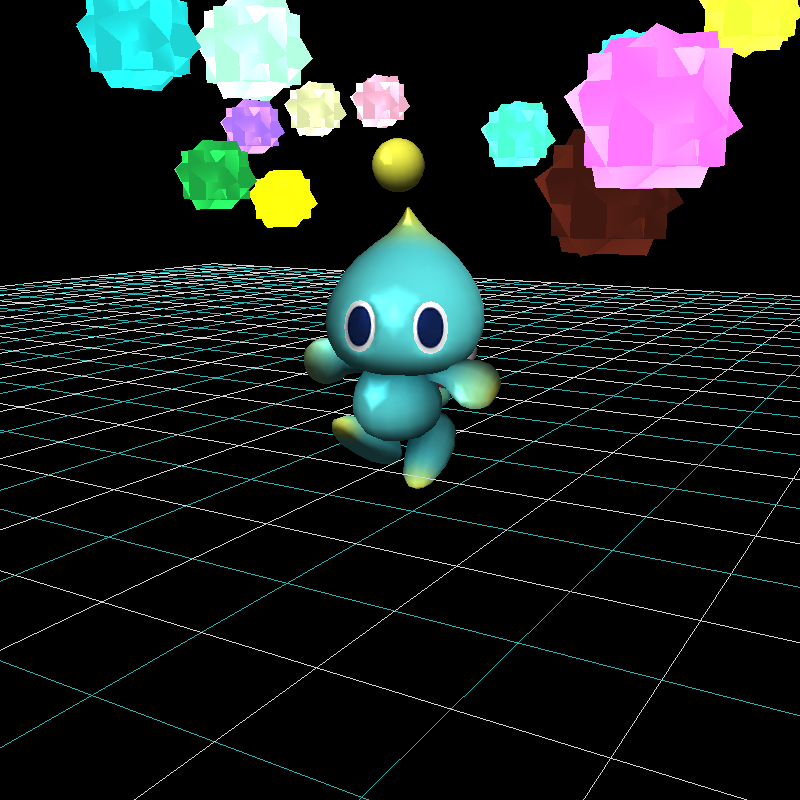
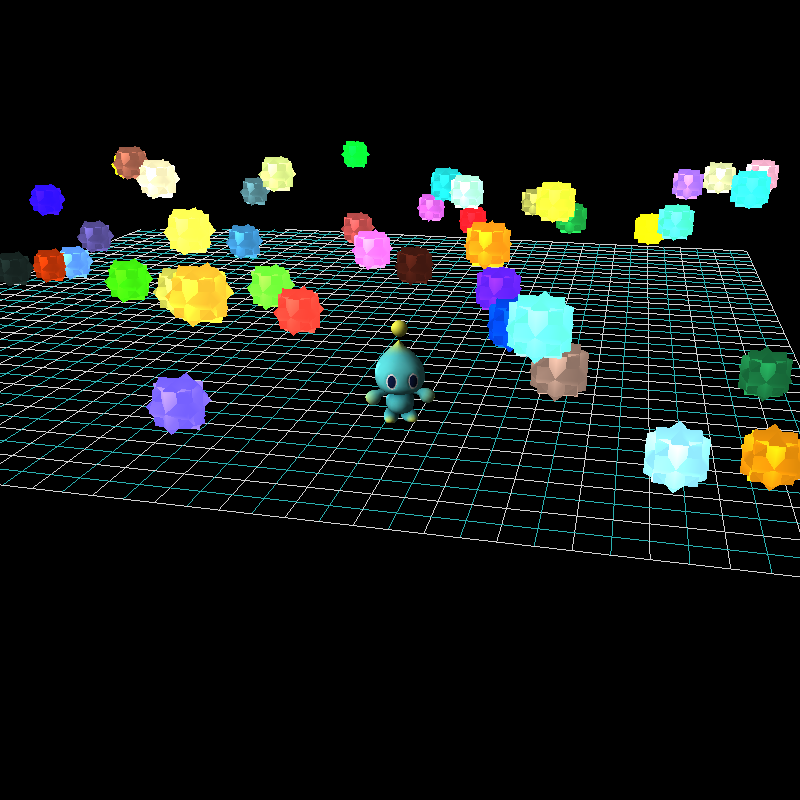
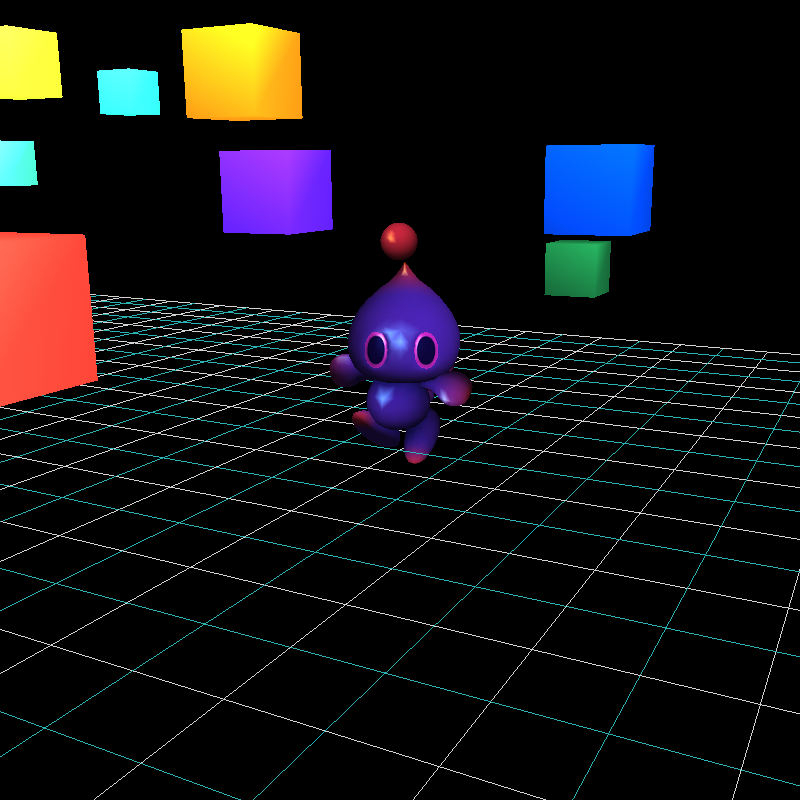
These are pictures from our A3 assignment where we built a world to showcase a 3-D version of our "hero" (in my case a sonic chao!) and implement full phong illumination model utilizing gouraud shading. I am especially proud of this assignment as I had to load in each piece of my chao very meticulously so that I could animate the head, arms, and feet as the user moves him around the world. I also implemented some fun features through the shaders like being able to change the color of the chao (which normally the color comes from a texture) and the animated "stars" looking like they glow. The "stars" aren't given justice through these pictures but they are essentially 4 seperate solid cubes with 3 of them rotating about each axis so that they make a cool "star" shape, but then animate back to a cube again. 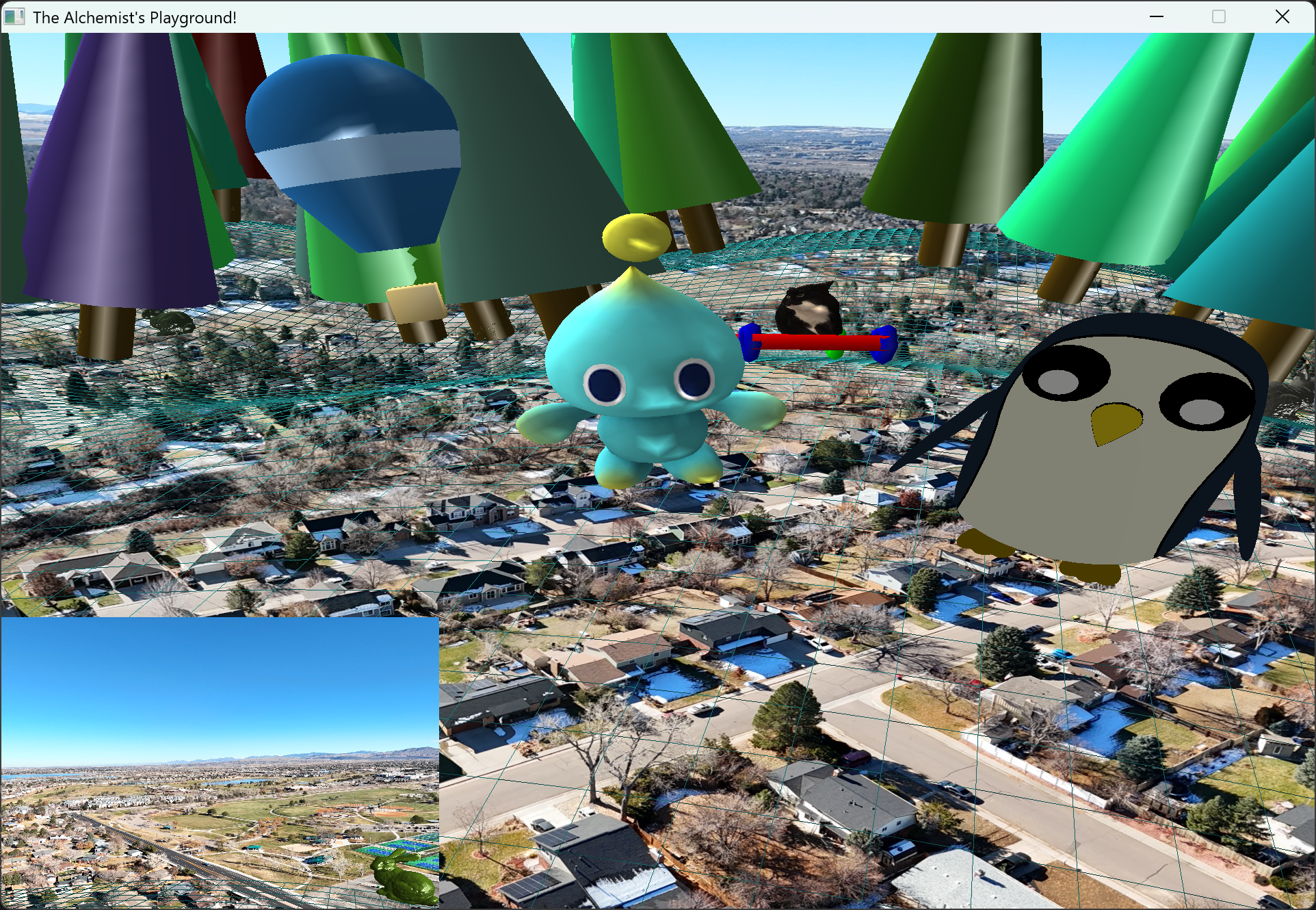
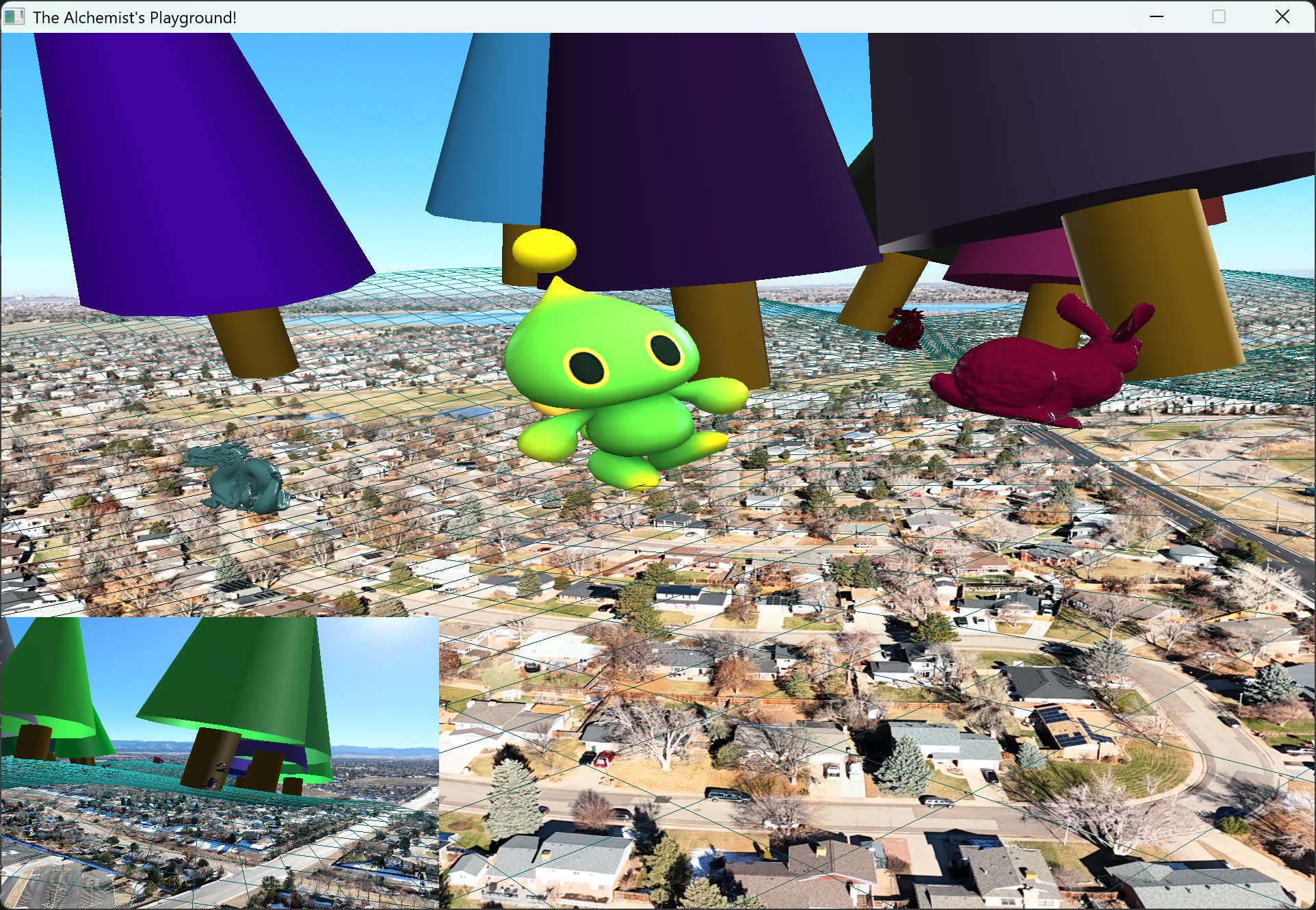 Here is a couple of pictures of my group's midterm project where I had to work with three other students to create a world where all four of our characters could walk around together. Some cool features of our world are: a textured skybox that is a 360 degree photo taken by a drone, trees with dragon and bunny models sprinkled throughout, and a "hilly" grid that all the characters orient with as they walk.
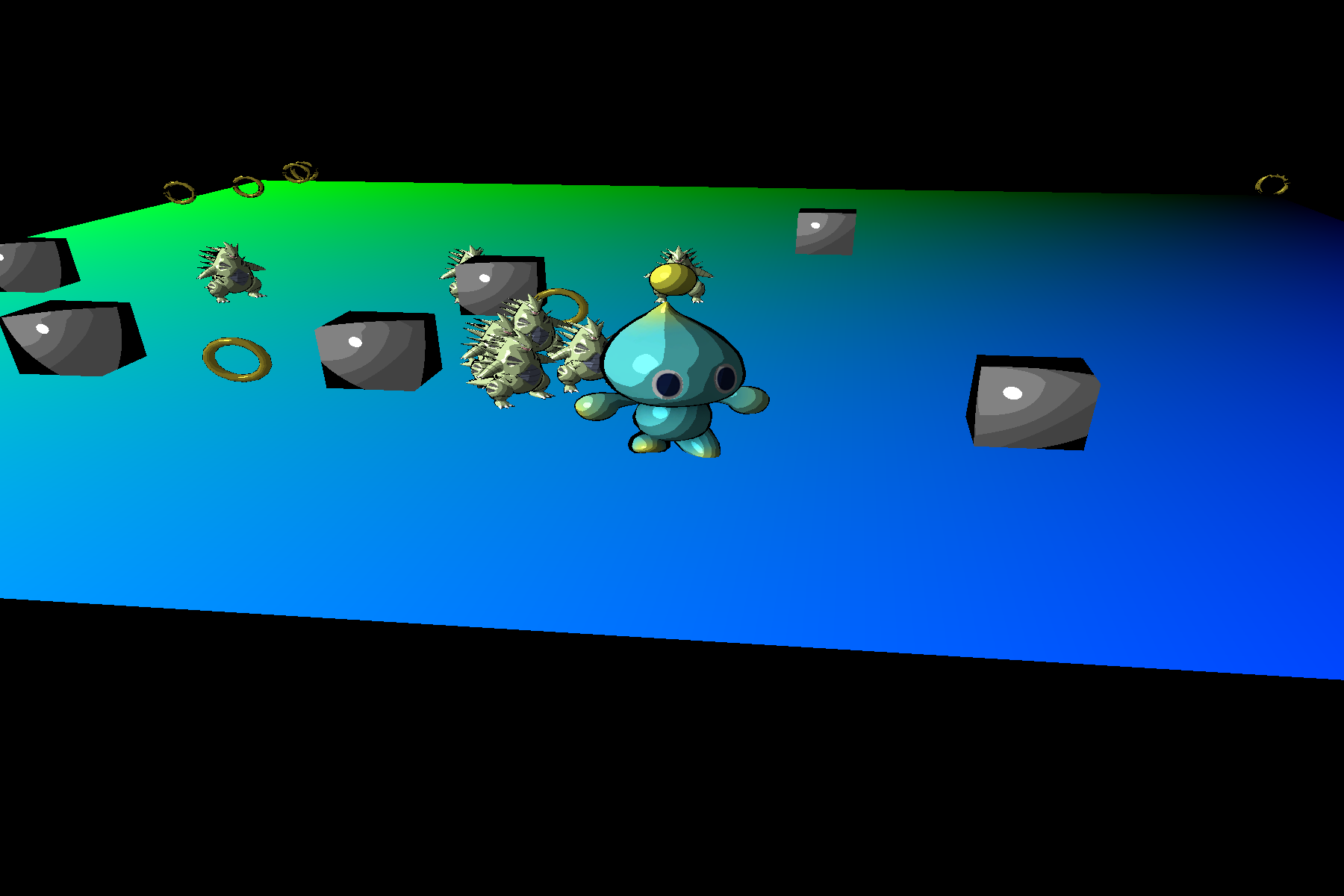 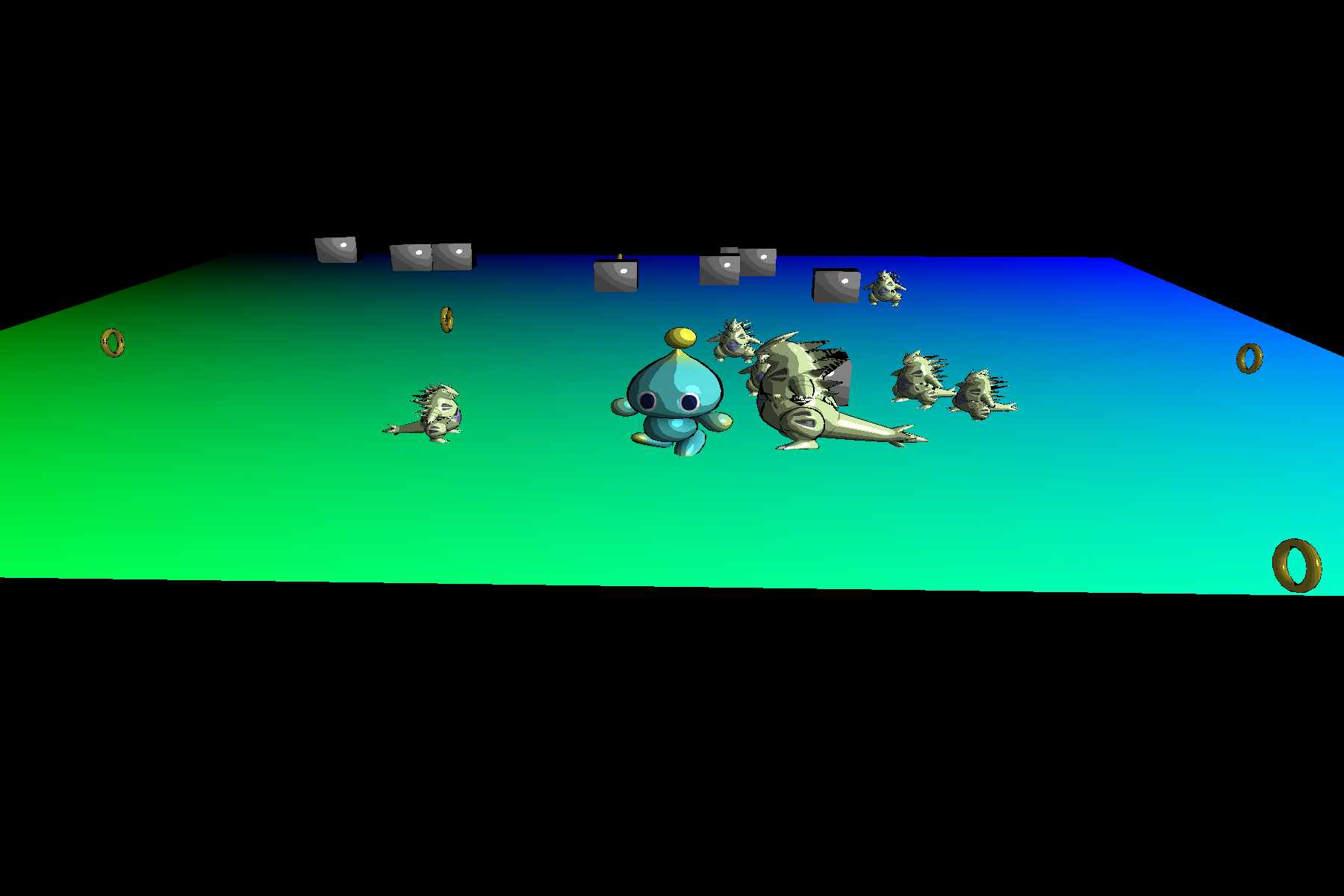
These are pictures from our A4 assignment where I was tasked to make a mini game. The game features an enemy particle system of the pokemon Tyranitar, coins to collect, and moving obstacle blocks while the player has 5 lives (getting hit by an enemy or falling off the map loses a life). I am especially proud of the toon shader that is incorporated into the game to give it a toon effect, the enemies all being Tyranitar and when they collide they combine into a larger Tyranitar and a new enemy Tyranitar spawns in (always 7 enemies in the game), and the coin system that spawns in 10 coins and waits for all of them to be collected before the next set is spawned in. 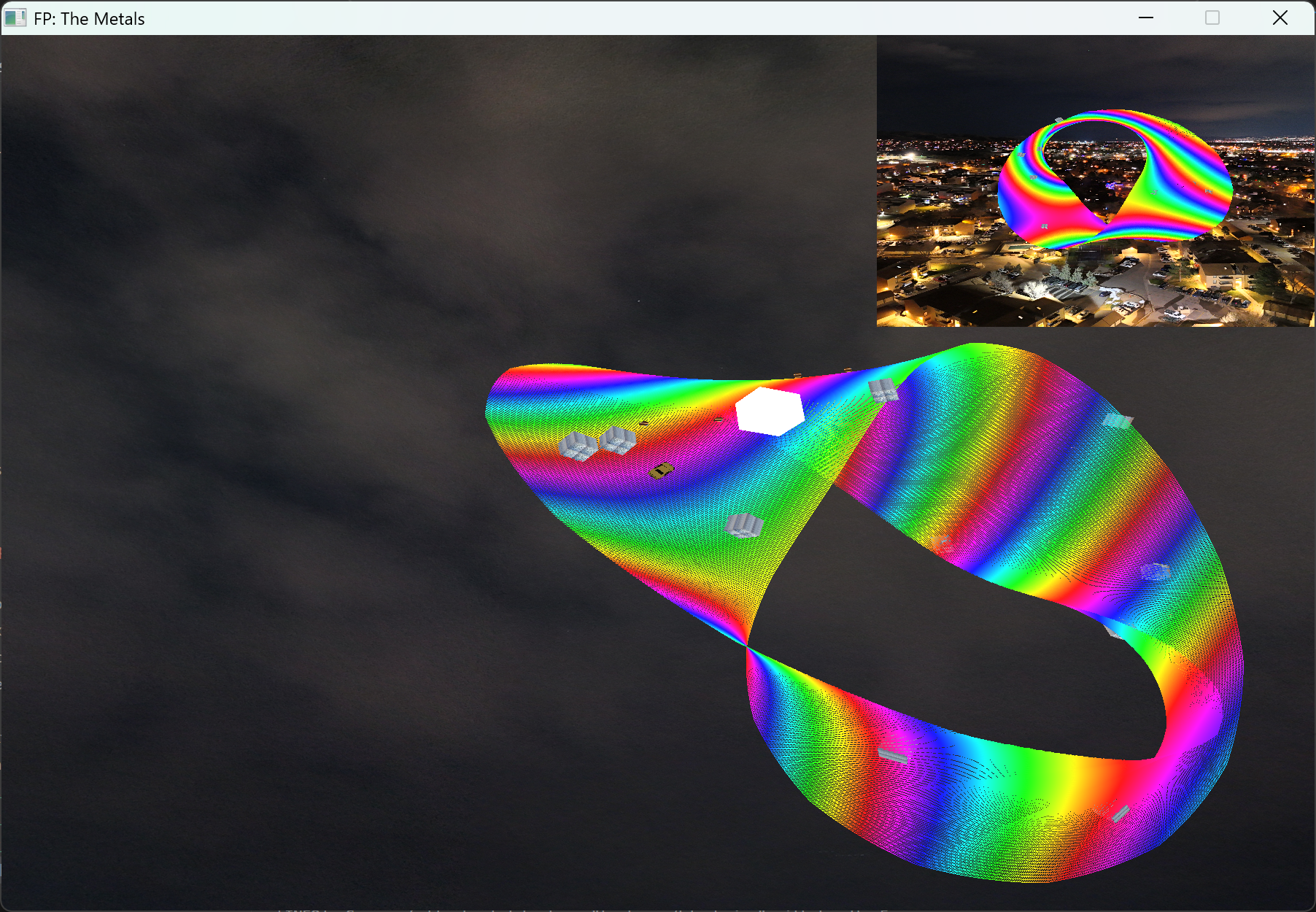 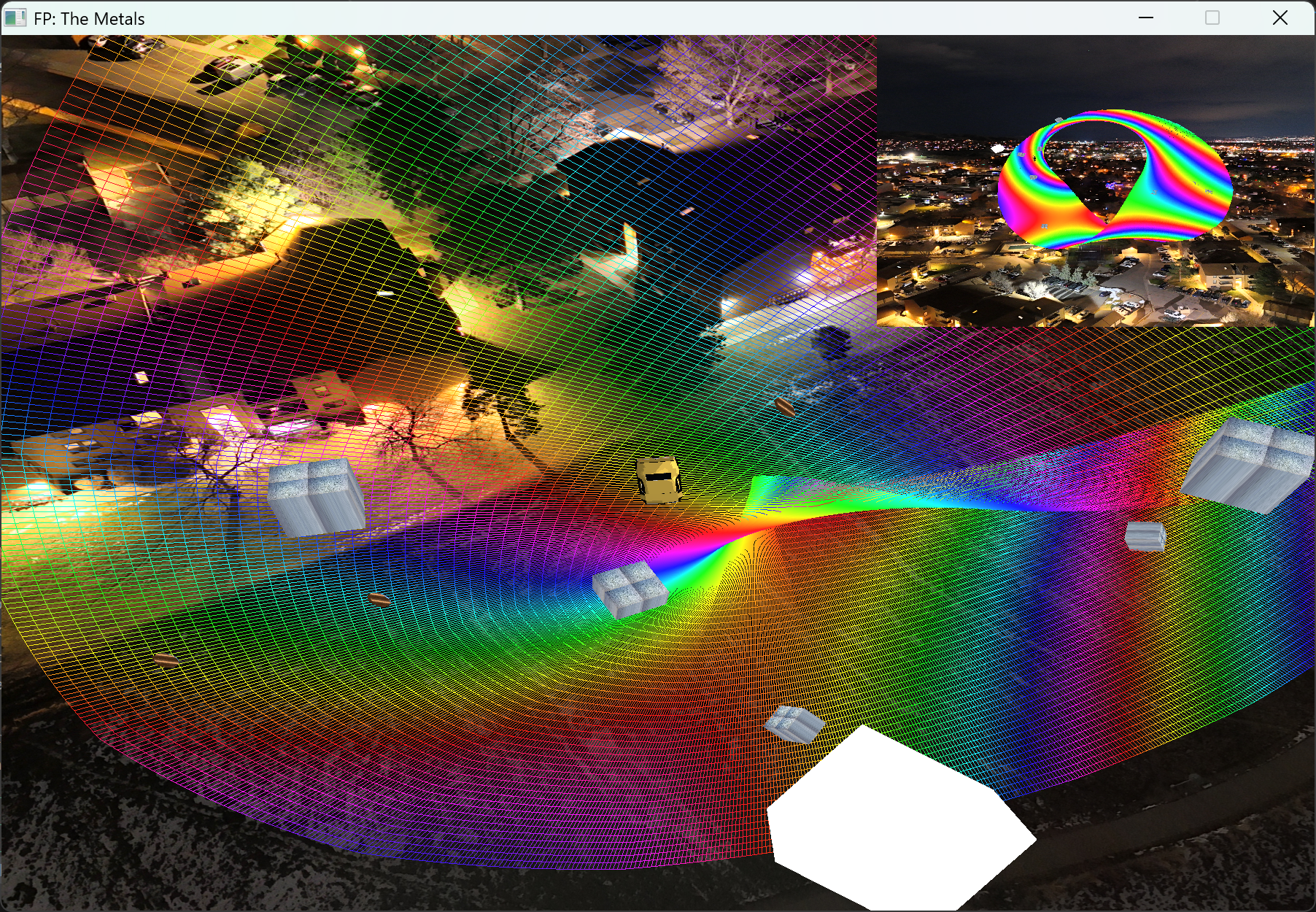 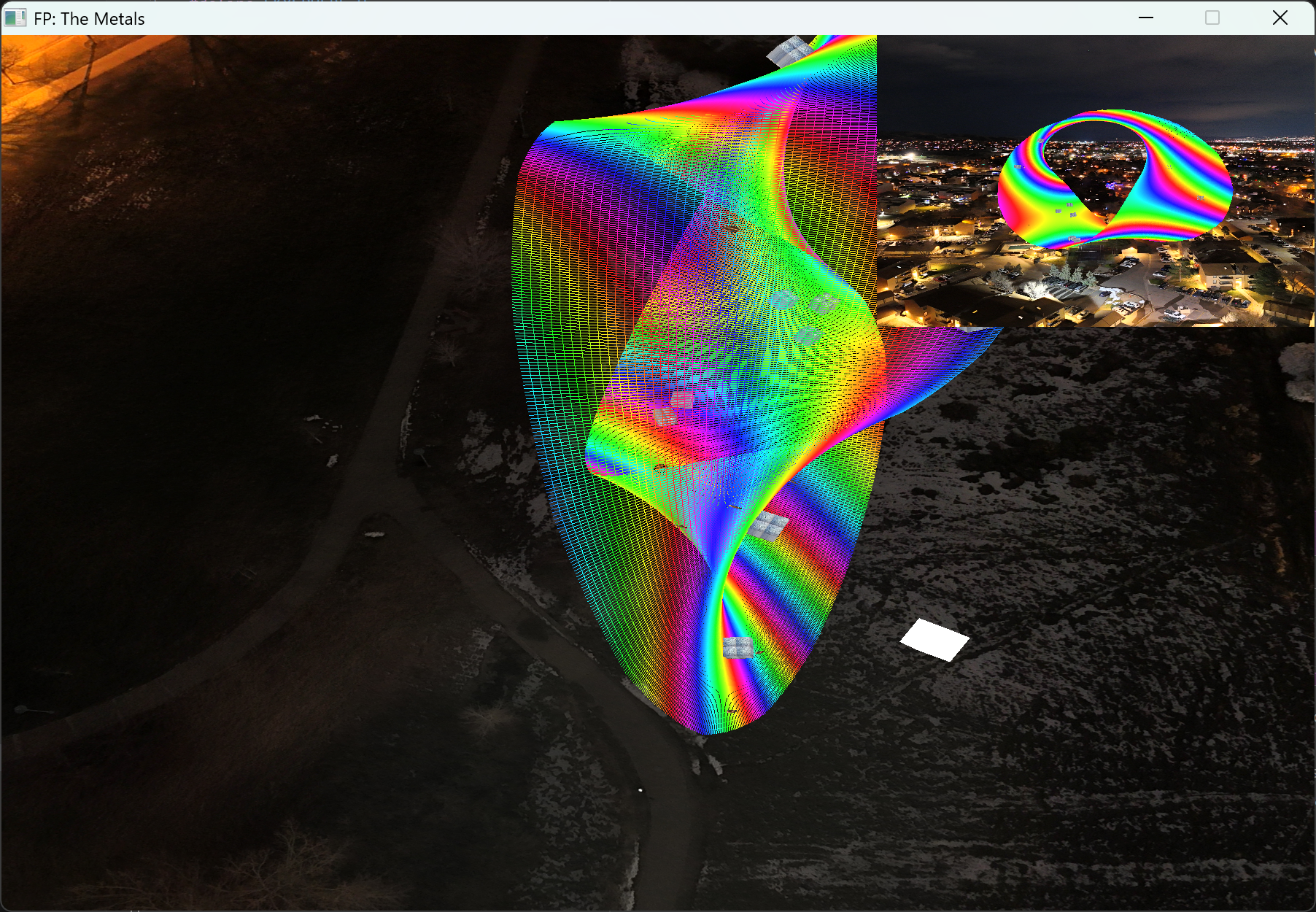 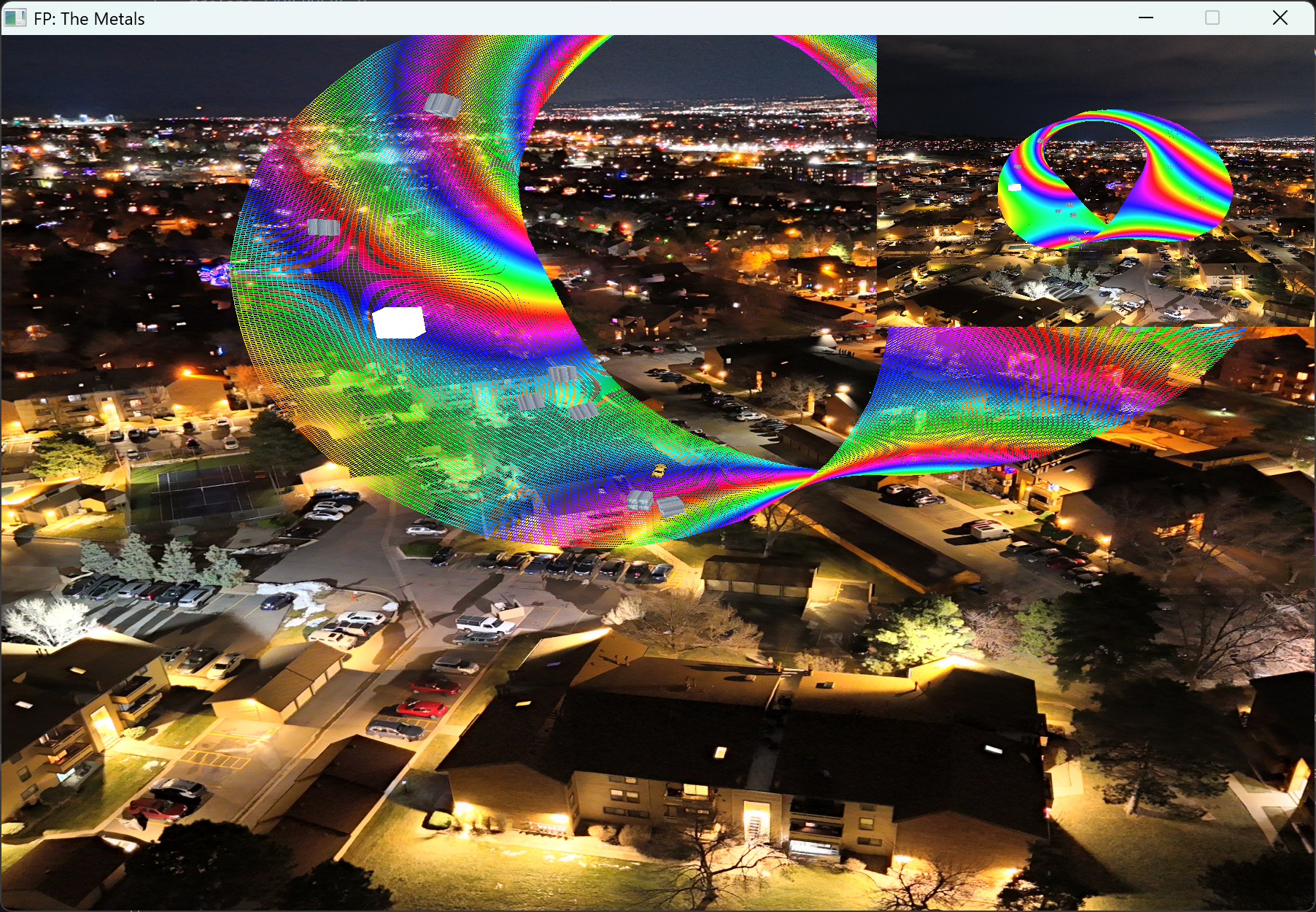 These are screenshots from my group The Eternal Racers, final submission for the CSCI 441 final projgect. We are very proud of what it consists of as it has an artistic touch from each us who worked on it. I am especially proud of the rainbow road generated by using control points to generate a mobius strip via a tessellation shader. I am also proud of the point light light that follows just above the ground and follows a similar mobius curve. I am also proud of the toon shader that is present (also its kind of hard to see with the size of the car). Overall this project was a blast, I learned a lot, and I am super stoked with how it came out with my groups help. The program features a race car that is orientated to the mobius strip with third person camera so that you can drive around collecting coins. The goal of the "game" is to collect 10 coins as fast you can, but look out as if you hit one of those blocks hanging around, they will slow you down. | |