CSCI 441 - Computer GraphicsFall 2025 |
|
| | Home | Tasks | Leaders | Schedule | FAQ | Resources | | |
"Kuro"
This is what I came up with for a simple banner, programmed in C++ using OpenGL. It's not at all pretty, but it's not bad considering I made this without graph paper or any vector parsers. Everything you see here is composed of triangles in some way. Each vertex was placed by hand in multiple arrays, one for each letter and one for the cyan shapes. The cyan shapes are kind of a happy accident. I was initially going for sort of a star shape, but some things messed up and I thought it looked cool if they hung on the top, sort of like icebergs. This makes sense, considering that the village where most of the Phoenix-Owls (Kuro's species) live is in a very cold place in the mountains. 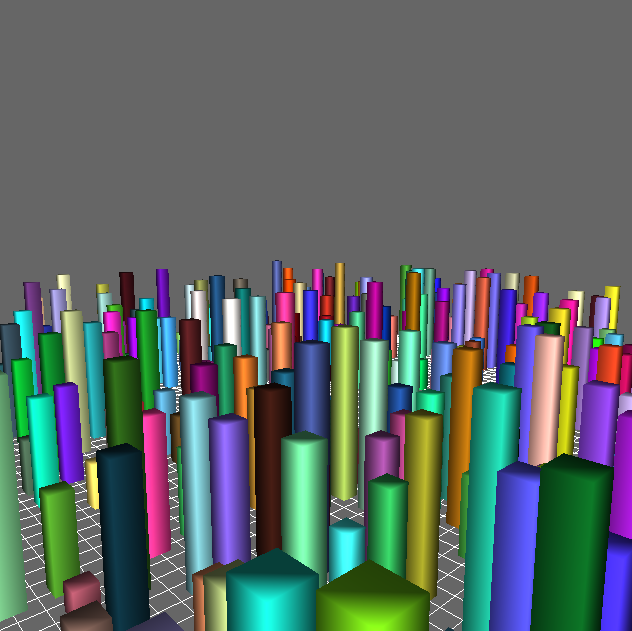
This is a simple frecam "flight simulator" I made as part of a lab assignment for my graphics class. It took me a while to figure out exactly how everything works, but in the end I got everything to work as expected. The map is always a fixed size, but the buildings and their colors are randomized every time you open the app. No two cities are the same. 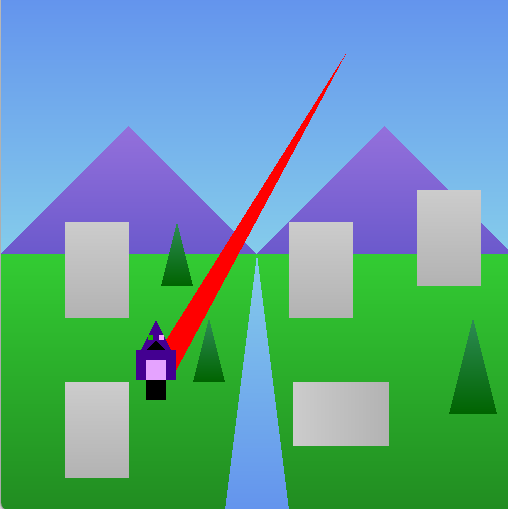
This is an interactive compilation of all the pieces that everyone in my graphics class put together. The player plays as Kuro, and uses WASD to move. Additionally, pointing and clicking the mouse button will make Kuro fire a laser at the cursor. Kuro will wrap around the screen if he approaches the edges, advancing the map as well. Here, Kuro is drawn using OpenGL primitives. I am once again NOT a coded vector artist, so Kuro unfortunately does not look exactly like how he should... but it's close enough. I have a fully rigged and textured 3D model of him that I hope to be able to use here soon. 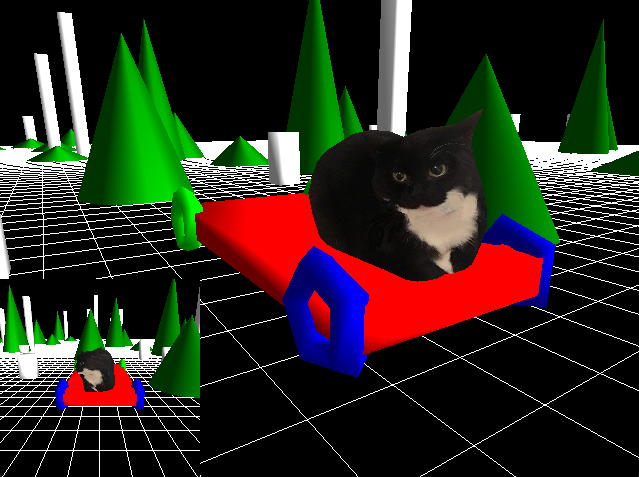
Now we get to the fun stuff: creating worlds and characters in 3D. In this program, you get to drive a Car around a 3D scene. The Car itself and all the objects making up the scene are taken from the class library, while the Cat is a .obj model taken from the models resource on the course webpage. You can use WASD to move the car, while 1-3 changes the view on the bottom-left. The views are first person, chase, and front. The main camera can also be moved by clicking and dragging the mouse, zooming in and out by holding shift. Does the cat look familiar to you? Well, it is none other than the famous Maxwell Cat! This Cat is fearless, and will keep on dancing, even if you start ramming into obstacles. Why is this possible? Because the Car is equipped with a Top Secret Experimental Sub-Atomic Accelerator that lets it phase through objects as if they were nothing! In all seriousness, it's because there isn't any collision detection. That will come later... Big Rigs, anyone? 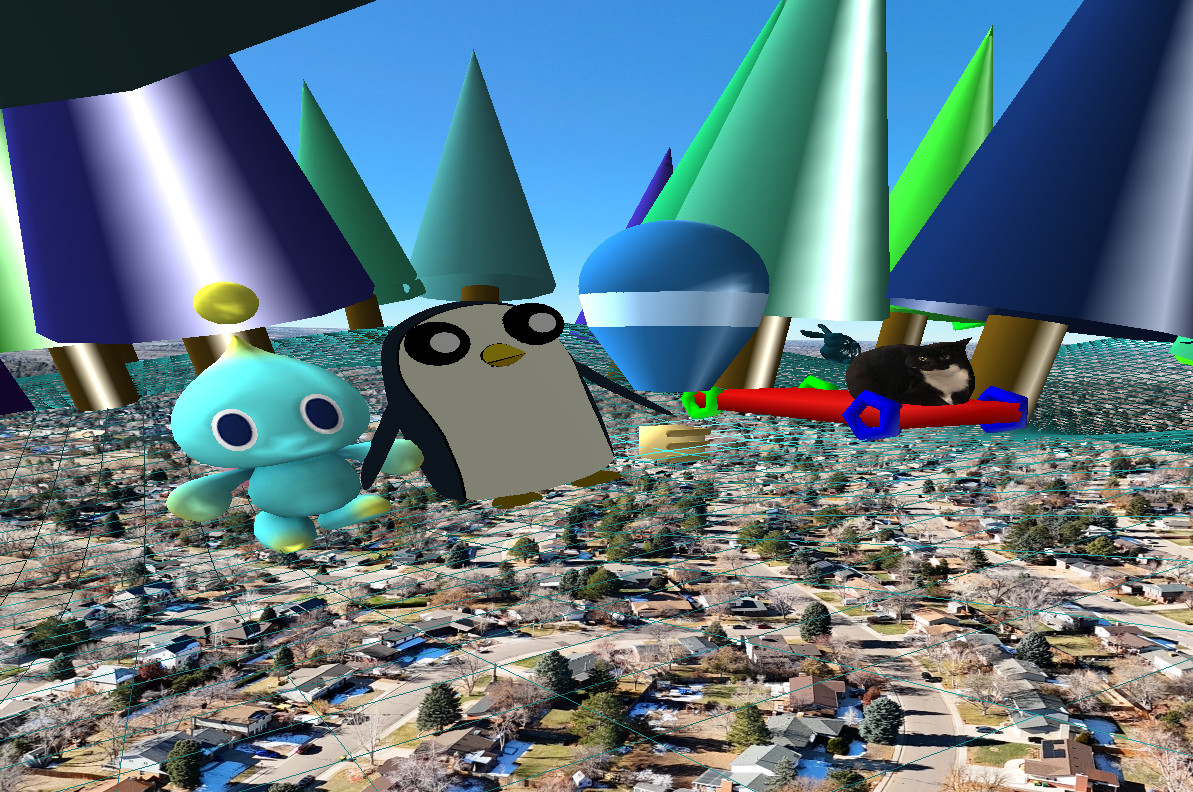
Building off the project shown above, I worked with three others to refine and combine all our characters into one program. This version comes with several new features. Such as simple character selection, freecam, and terrain elevation. Controls are mostly the same as the original product, except the number keys select the character and enters the freecam. The "skybox", or rather, skysphere, is a basic illusion. I captured the image early this year using a Mini 4 Pro, hovering about 380ft over Leawood Park. The way it's being rendered is pretty sneaky but simple. Instead of shoving the entire scene in a massive sphere (which honestly looks weird), I'm projecting the image on a sphere with a diameter of 3. The sphere itself is locked to the camera's position, and drawn before everything else with the depth test off. I then re-enable the depth test, then draw the rest of the scene. The resulting image looks like everything is enclosed in a sphere. 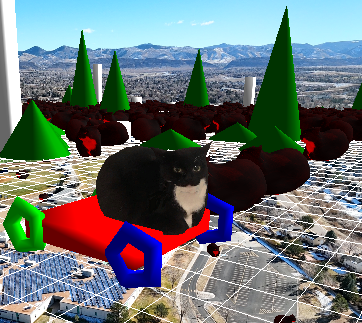
For my next project, I took what I had for the car project and turned it into a game. In this game, you go around trying to collect 10 goal points while avoiding capture by enemy cats. Collision detection is implemented, so you can no longer pass through objects in the world. Additionally, getting hit by an enemy will end the game, and falling off the edge will also end the game. Every enemy and goal point is represented by a particle system. Because there can be a lot of enemies in the scene at once, I decided to decouple the renderer from the game logic. This makes it so the world is constantly simulating, regardless of how slow your graphics card is. This also maximizes frame time, as the graphics card no longer has to wait for the cpu. I recognize that the industry mainly uses render queues for this approach, but I really don't have the time to implement it now. But this is a planned feature for a future engine... 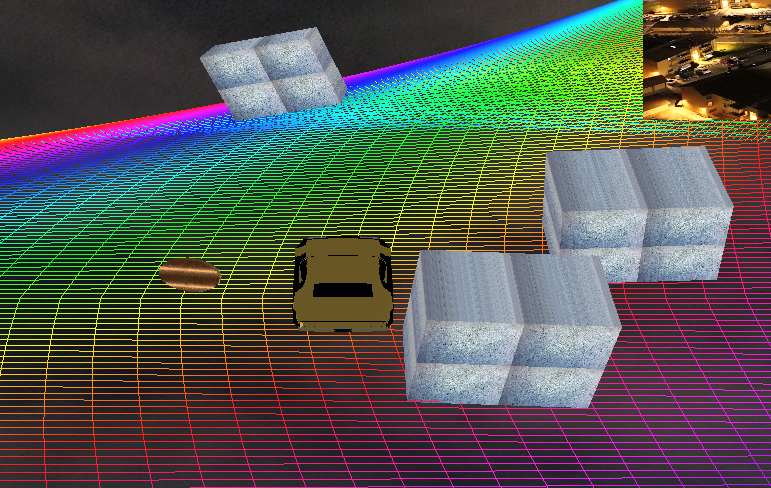
For this final project, my team from the multi-character project decided to come together to create a simple racer. No dancing cats or other characters here, all you have is a car and a zero-gravity rainbow road (nintendo, don't come after me please). The car drives along this road, and there are coins placed in random locations. The game will give you a timestamp in seconds for every 10 coins you collect, resetting the timer in the process. We used some pretty interesting shaders to render the world. A tessellation and fragment shader is used to render the road, while everything else uses a toon shader for the lighting. A light is placed on a cube that constantly moves along a bezier surface, while a static directional light keeps the scene from going dark. | |