CSCI 441 - Computer GraphicsFall 2026 |
|
| | Home | Tasks | Leaders | Schedule | FAQ | Resources | | |
Jim Raynor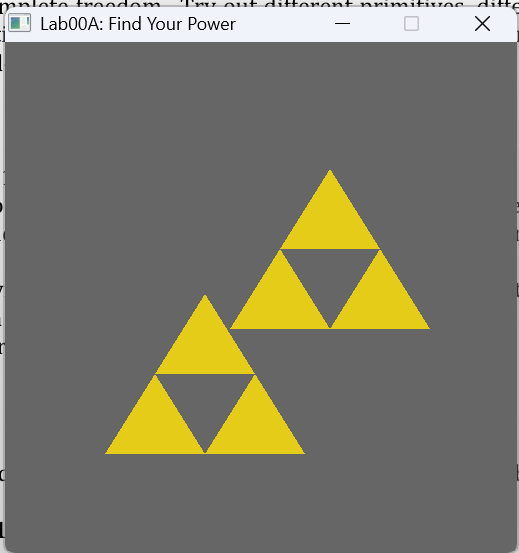
Lab00 part A Find Your Power. Drawing triforces to the screen using OpenGL primitives and glm translate, and scale methods. 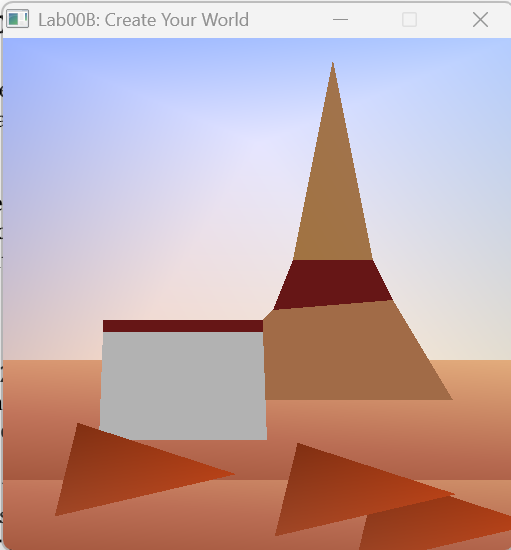
Lab00 part B Create Your World. Drawing a world to the screen. 

Lab01 Move That Triforce. You can move and interact with the triforce by moving the mouse, pressing and releasing the mouse button, and the 'C' key. 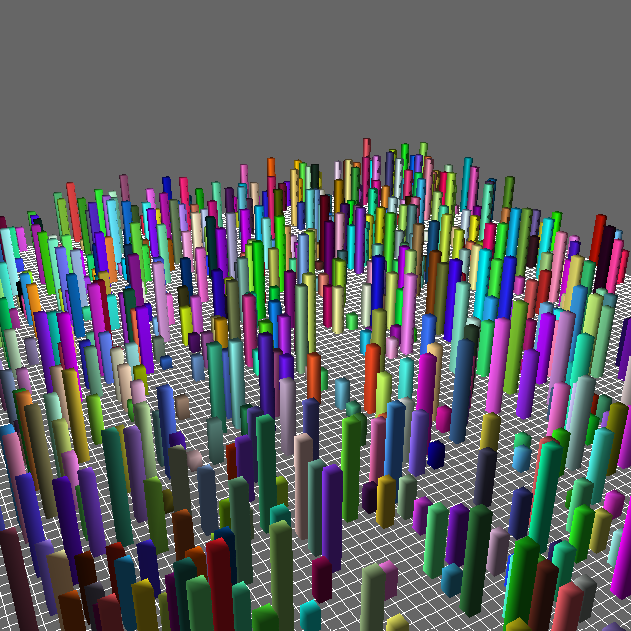
Lab02 Flight Simulator. It is a flight sim program, and you can move around the buildings with 'w' and 's'. Look around using the mouse. 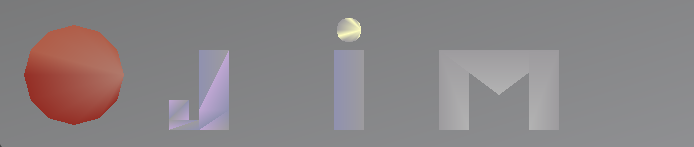
A1 Create Your Sign. It is a sign that says Jim, and it has crest on the left side. Made using OpenGL primitives like TRIANGLES, TRIANGLE_FAN, and TRIANGLE_STRIP. 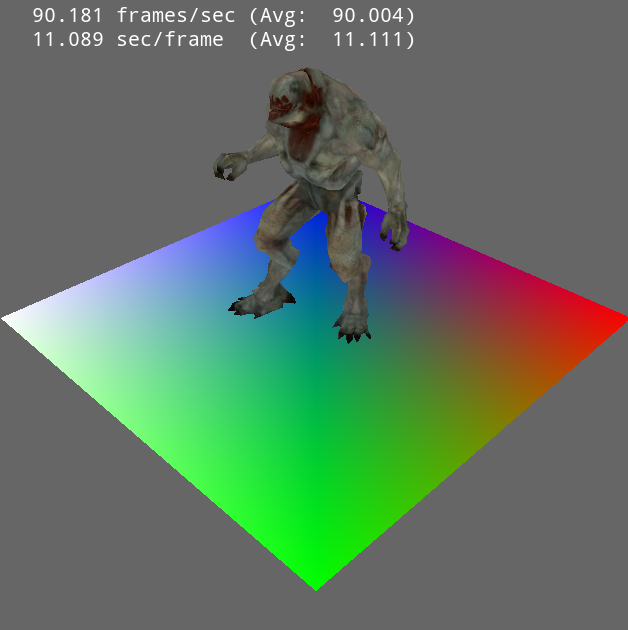
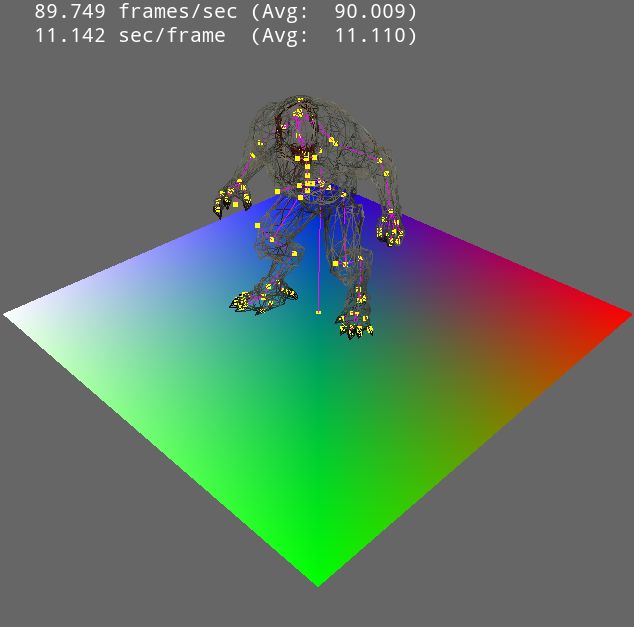
Lab03 VAOs & VBOs. This is a program that reads in an MD5 file and draws a little guy on a colored platform. It can even show the skeletal mesh and wireframe by pressing 's' and 'w' respectively. 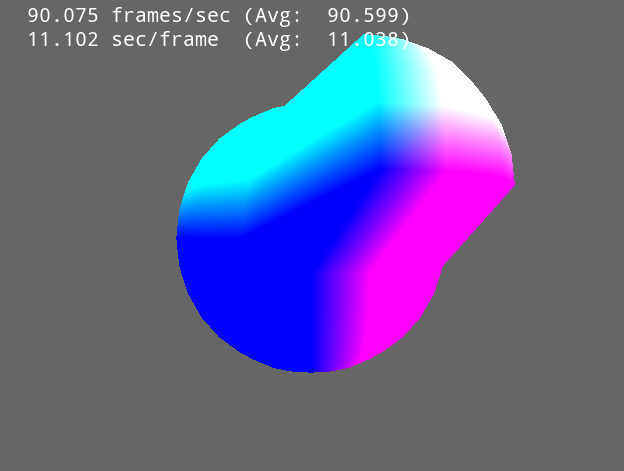
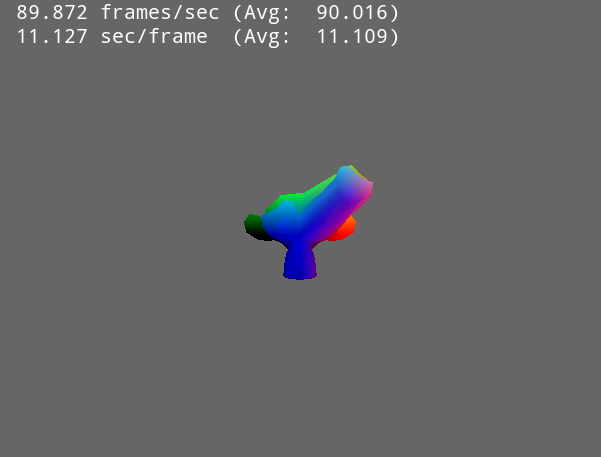
Lab04 GLSL Shaders. This program plays around with shaders in OpenGL with GLSL and how they fit into the graphics pipeline. You can switch between models using the numbers on the keyboard (1-7). You can reload shaders by pressing the 'R' key. 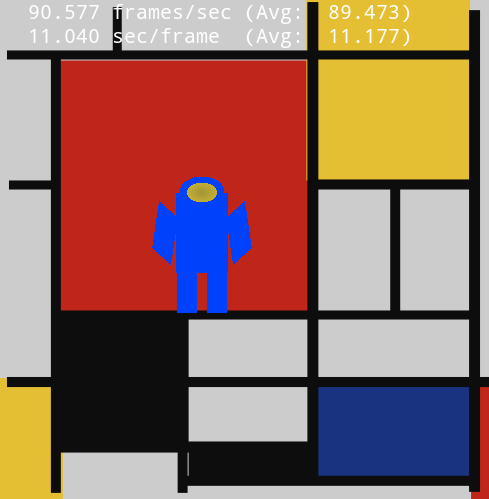
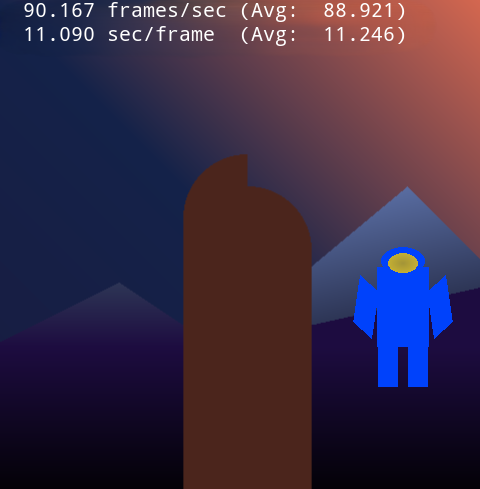
A2 The Grand Bazaar. The program draws a character, and you can move it around. The characters head bobs up and down. Move using W,A,S,D and the right mouse button. When you move using WASD towards the edge the character will advance to the next map. If you SHIFT + right click that move location will be queued. You can queue up to 9 moves and the queue movement is cancelled when you right click anywhere or press WASD. | |