CSCI 441 - Computer GraphicsFall 2026 |
|
| | Home | Tasks | Leaders | Schedule | FAQ | Resources | | |
"Hogiethedog""A1"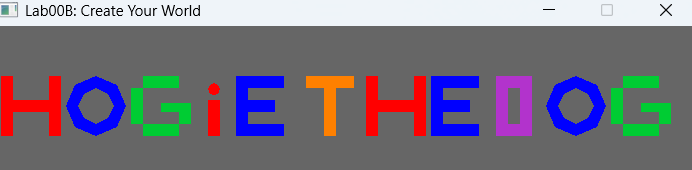
This is my heros name made of just triangles! Most of these letters are made using two triangles to form a square or a rectangle. Then using scale or translate I can move these or make them bigger. Some cool things that I did in this was using a strip to make the O where it makes an inner and an outer ring of points and connects them to make an O. Then with the i I used a fan to make the dot. I also used functions to draw each letter so that any repeats could just be drawn again easily. This also made the renderScene function very simple and easy to read. It really breaks down the code to be easier to understand. "Lab 02"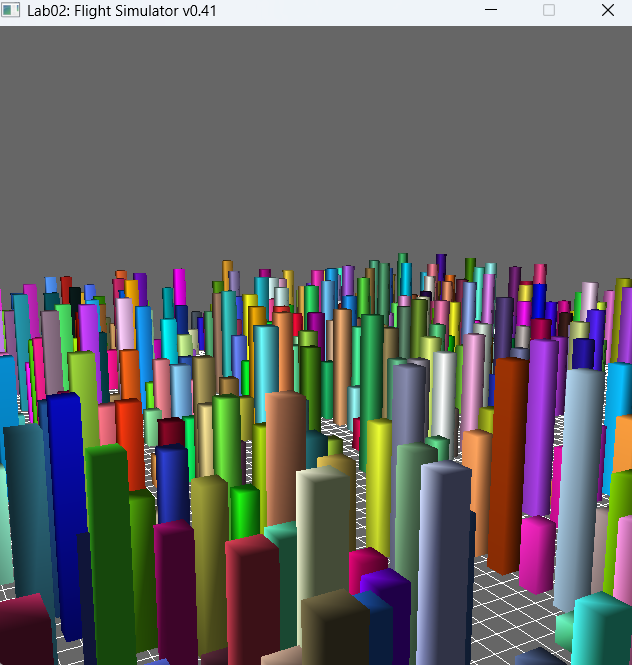
This is a screenshot from Lab 02 of me flying through my city. This was done with randomizing heights and positons of cubes and scaling them. Then using keyboard input and mouse input you can move and change direction to fly through the city. "A2"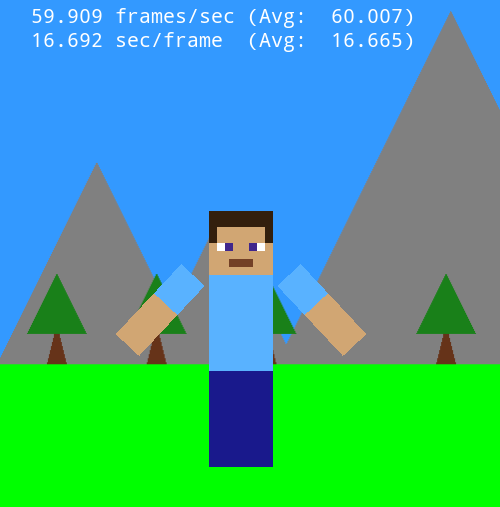
This is my hero HogieTheDog at his home. I made my hero a minecraft player steve because HogieTheDog is my minecraft name so I thought it made sense. I am very happy with how it came out. The code is quite simple as well. Steve is just made out squares which are made out of triangles. These squares are then stretched or squeezed to make rectangles larger or smaller. They are also colored. They are then made in a heirarchy so that they have origins where they can rotate around like the arms simply rotate off the shoulder. Steve can also be moved using WASD or arrow keys and once he is off screen he will go to a new map. If you click steve will move to that point. 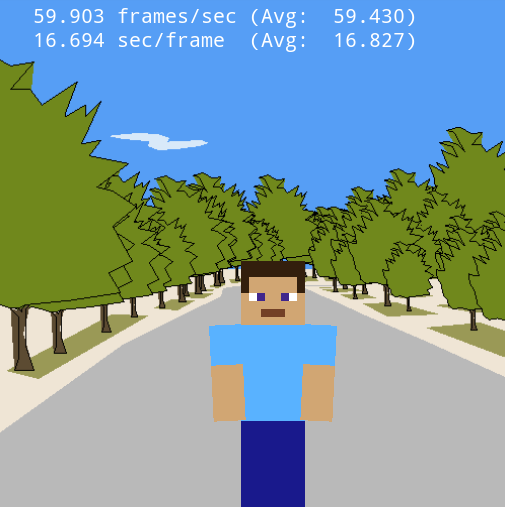
This is just a really cool map someone made so I figured I would put steve in it for my second screenshot. Just to showcase how skilled some people are at making things with just triangles! | |