CSCI 441 - Computer GraphicsFall 2025 |
|
| | Home | Tasks | Leaders | Schedule | FAQ | Resources | | |
"Bort"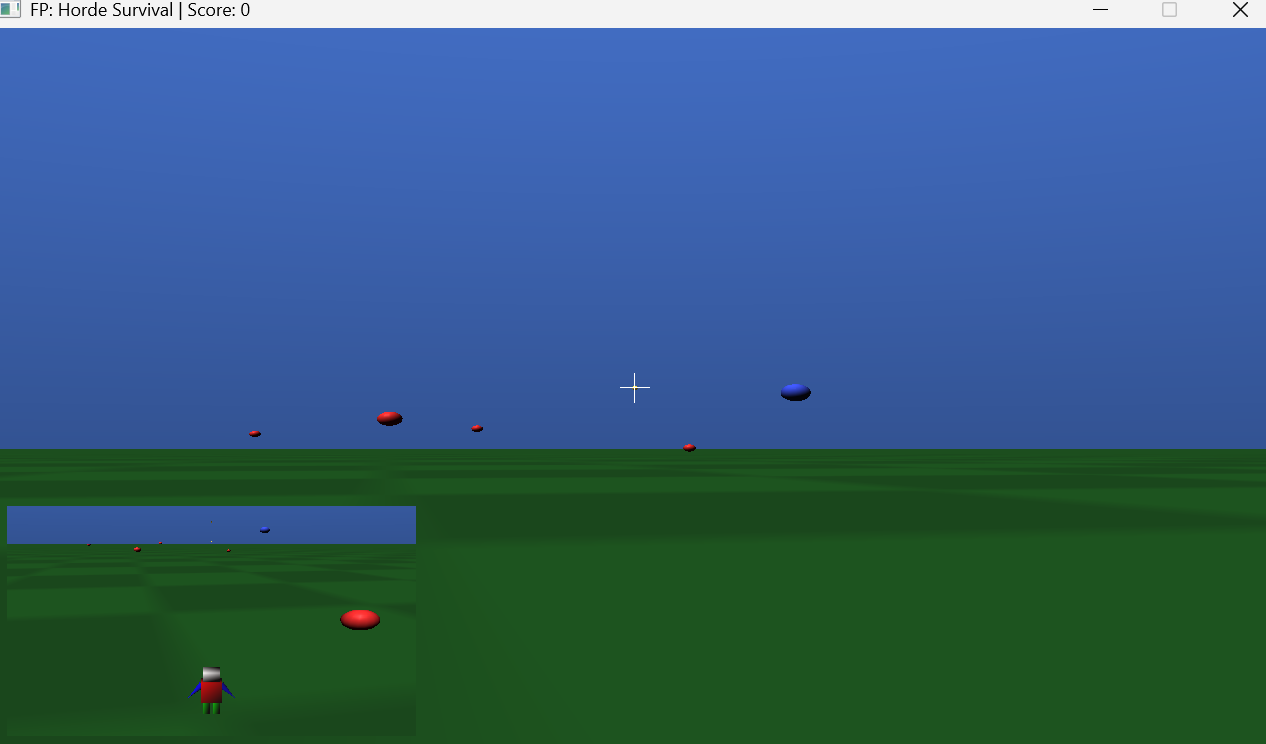
Final Project – Horde Survival: A 3D first-person survival shooter where you collect coins while fast homing enemies chase and attack. Left click fires projectiles; enemies die instantly on hit with a subtle particle burst, and the score increases on coin collection, enemy kills, and victory (with a penalty on death). The scene uses Phong lighting with a directional light plus a pulsed point light (muzzle flash), textured ground with mipmapped filtering, and two cameras: a first-person main view with a toggleable third-person inset. 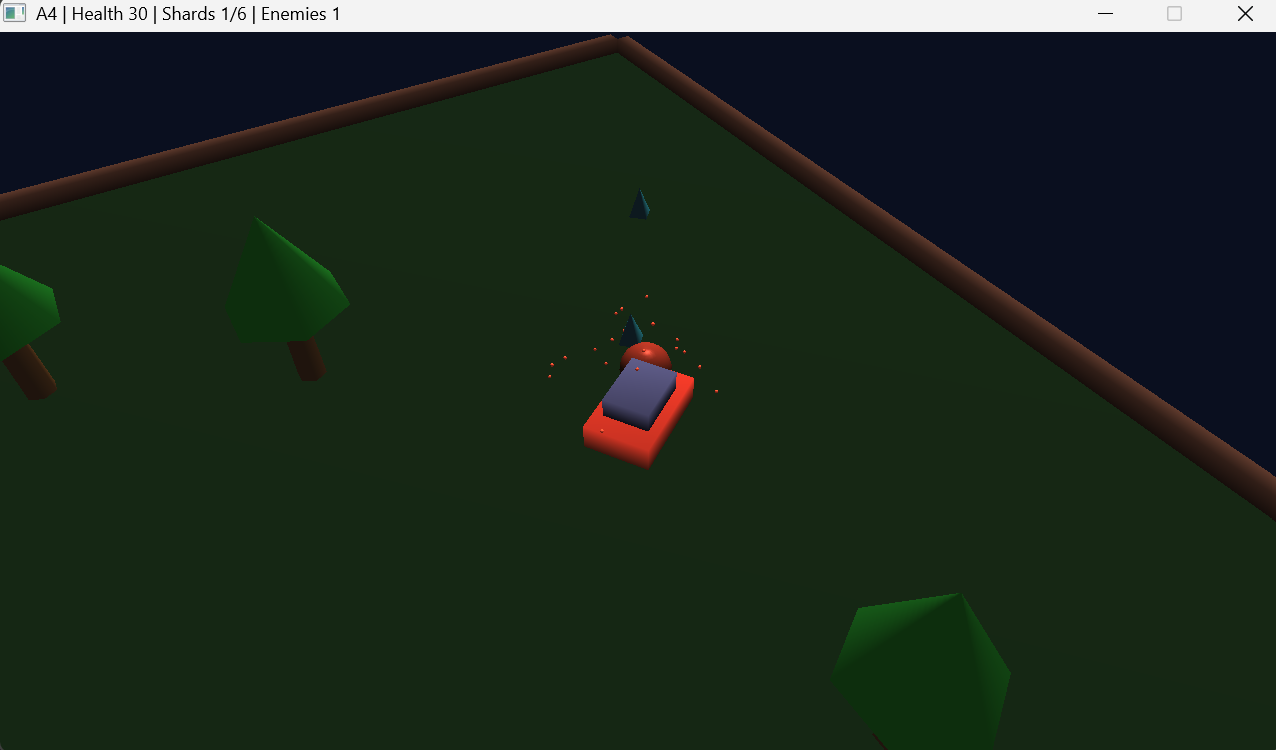
Assignment 4 – The Enemy Horde: Build a 3D action game where a hero car navigates a bounded arena to collect metal shards while avoiding homing enemies. The hero moves with WASD controls and can jump with SPACE, while enemies spawn at the world's edge and use AI to steer toward the player via heading interpolation. Collision detection handles enemy-enemy interactions (swapping headings on contact) and hero-enemy impacts (applying damage and knockback). Both hero and enemies detect world boundaries and fall off the edge with physics simulation; falling respawns the player. A particle system generates visual bursts on enemy deaths and shard collection. The scene uses Phong lighting with hierarchical transforms for the simplified hero vehicle (body and cabin), procedurally placed obstacles (trees with cylinder trunks and cone foliage), and boundary walls. Built with OpenGL 4.1, GLFW, GLM, and CSCI441 utilities, combining game mechanics (AI homing, sphere-based collision, goal completion) with 3D rendering fundamentals (custom shaders, arcball camera, material properties). 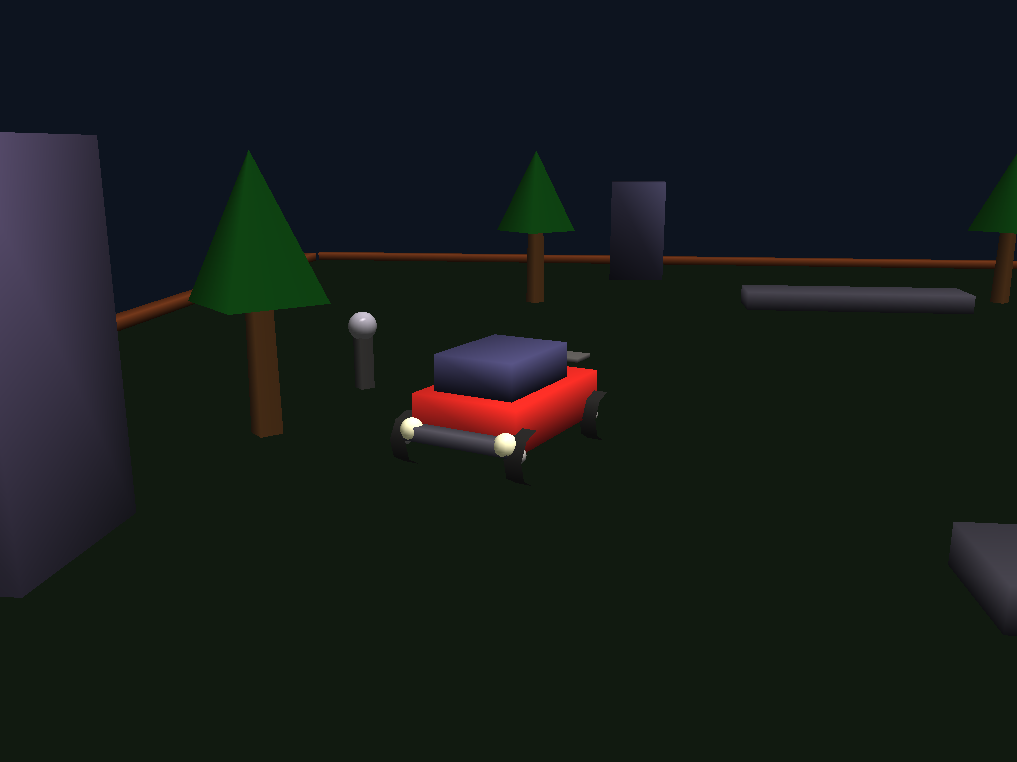
Assignment 3 – Hero in 3D: Build a 3D animated hero/vehicle with full Phong lighting using custom vertex and fragment shaders. The character moves through a bounded 3D world using WASD controls (forward/backward movement along heading, left/right turning) while an arcball camera orbits around the character, controlled via mouse drag and Shift+drag zoom. The scene includes a ground grid and scattered objects for spatial reference. The lighting model implements ambient, diffuse, and specular components with directional lighting, using separate material properties for different objects. Matrix transformations handle the character's position and orientation, camera positioning, and hierarchical object transforms. Built with OpenGL 4.1, GLFW, GLM, and CSCI441 utilities, demonstrating modern shader-based rendering, 3D mathematics, and interactive camera controls. 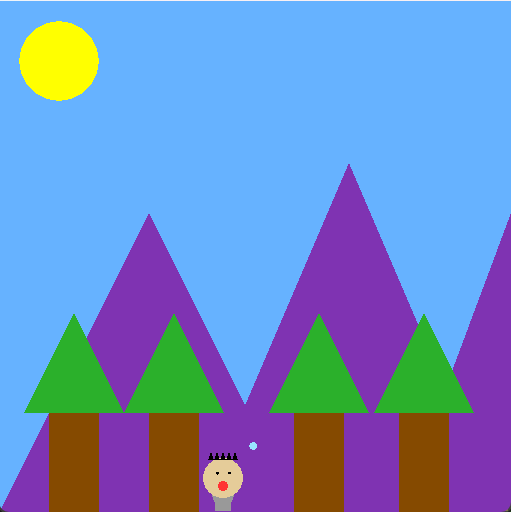
Assignment 2 – Animated 2D Hero: Build an animated 2D hero entirely from OpenGL vertex data and simple transformation math. The character is constructed from a few basic VAOs (body, head, eyes, pupils, arms, mouth, and small projectile shapes) and drawn with an orthographic projection so window pixels map directly to coordinates. Hierarchical transforms (push/pop of translations, rotations, and scales) drive the character’s parts; arms pivot at the shoulder, the head sits above the body, and pupils track the mouse. The scene is interactive: WASD / arrow keys move the hero (wrapping the world and updating the background map), the left mouse button fires a projectile toward the cursor, and holding B while clicking produces a green “booger” projectile instead of the normal spit; the mouth briefly changes shape while spitting. Implemented with GLFW, GLM, and a tiny helper shader (CSCI441::SimpleShader2), the program emphasizes low‑level control (VAOs, simple colors, and fundamental primitive types) while demonstrating animation, input handling, and hierarchical modeling. 
Assignment 1 – Hero Banner: Build a 2D nameplate entirely from hand‑specified OpenGL vertex data. Each letter (B O R T) is assembled from simple triangles; the circular crest uses a triangle fan for the face, a reused fan for each eye, and a triangle strip arc for the mouth. An orthographic projection maps window pixels directly to coordinates, making layout straightforward. Per‑letter transforms (translation for O, rotation for R about its approximate center, and non‑uniform scale for T) demonstrate basic matrix operations via a simple push/pop stack. All geometry is stored in VAOs with a single color per shape, emphasizing low‑level control: just raw positions, colors, and three primitive types (GL_TRIANGLES, GL_TRIANGLE_FAN, GL_TRIANGLE_STRIP). 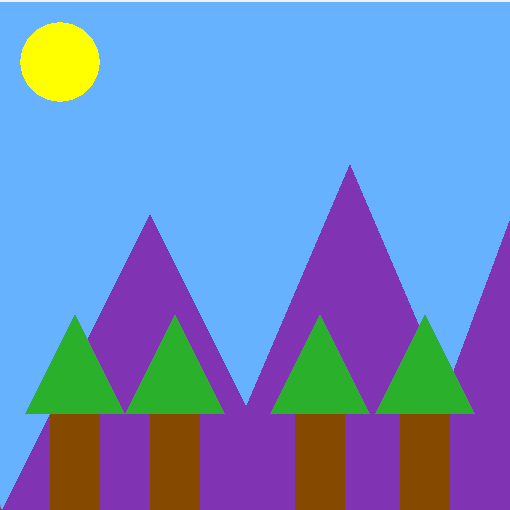
Lab 0 – Simple 2D Scene: Intro exercise focused on sending basic geometry to the GPU without helper libraries. The sun is a triangle fan (center + radial ring). Three mountains are individual filled triangles layered for depth. A tree is split into a rectangle trunk (two triangles) and a triangular canopy; that pair is instanced across the scene by applying translation matrices before each draw, reusing the same VAOs. Distinct primitive types were tested (GL_TRIANGLES for terrain, GL_TRIANGLE_FAN for the sun, GL_TRIANGLE_STRIP not yet needed here). An orthographic projection matches window pixels, keeping coordinates intuitive. | |