Frog Finance

The Frog Finance app is a simple budgeting and expenses app to help you with your finances! The application is designed to be lightweight and non-invasive. Any data within the app is data you put in without requiring confidential information like credit cards or bank accounts.

Login Screen

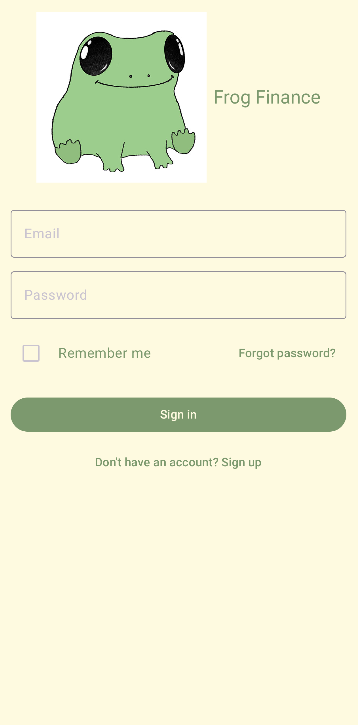
The first screen you will see is the sign-in screen. In order to sign-in, just enter your email and password in to get started. Don't have an account yet? No worries! Signing up is just as easy. In any case, the frogs welcome you to Frog Finance!
Login Screen

Overview

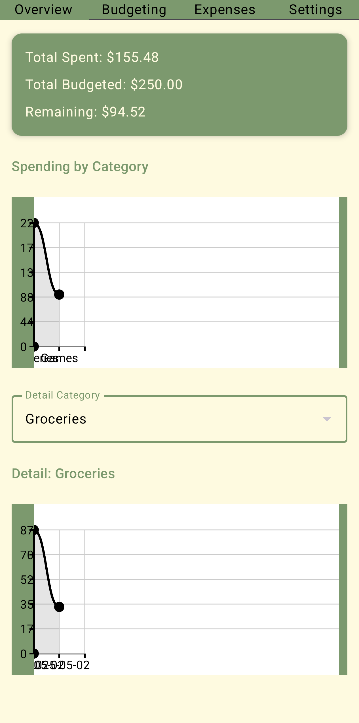
The overview screen will display the totals for items that you have entered into your expenses and budget sections on a dynamic graph. You can even view a graph for a specific budget category if you desire.

Login Screen

Budget

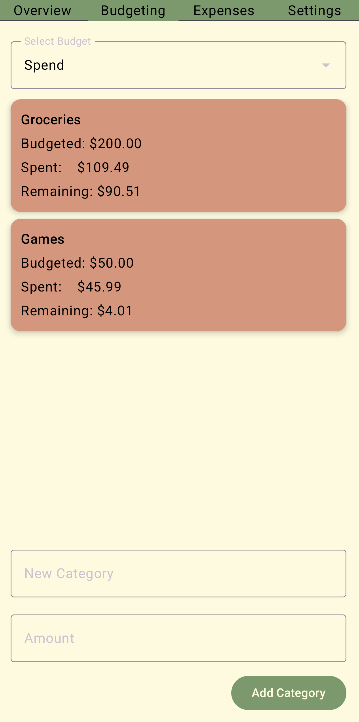
On the budgeting screen, you can enter new categories under a Save, Spend, or Maintain budget. When doing so, you can specify the dollar amount you would like to dedicate to that category, and see a list of categories you have made. From then on out, the frogs will take care of all of your budgeting needs!

Login Screen

Expenses

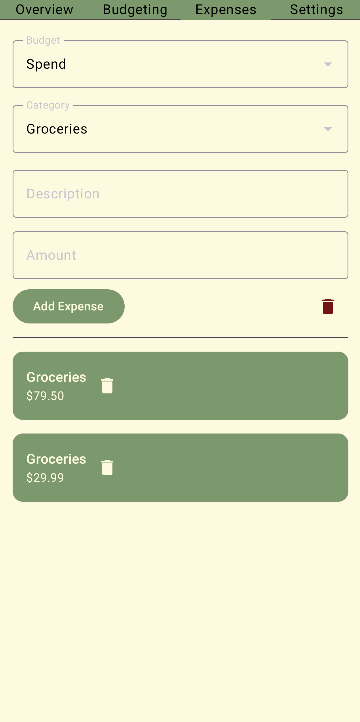
On the expenses screen, you can enter any expenses you incur and specify which budget and category they fall under. Simply set the category to the budget you wish to pull money from, enter a description and amount, and add it to your expenses. Don't worry, the frogs will keep track of your spending!

Login Screen

Settings

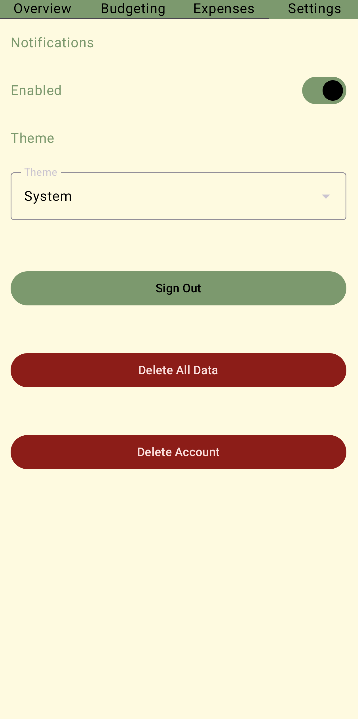
On the settings you can disable notifications, change the theme of the app, sign out, delete your budget and expense data, and even delete your account. The frogs will rest while you're gone, but beware, the frogs will be sad to see their hard work disappear!

Login Screen