Lab 00
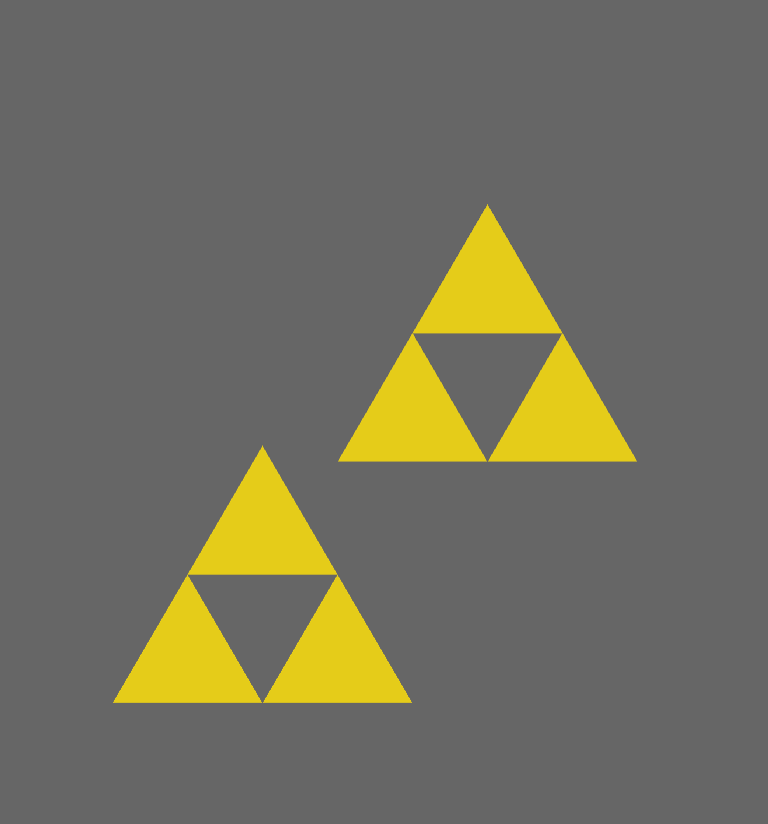
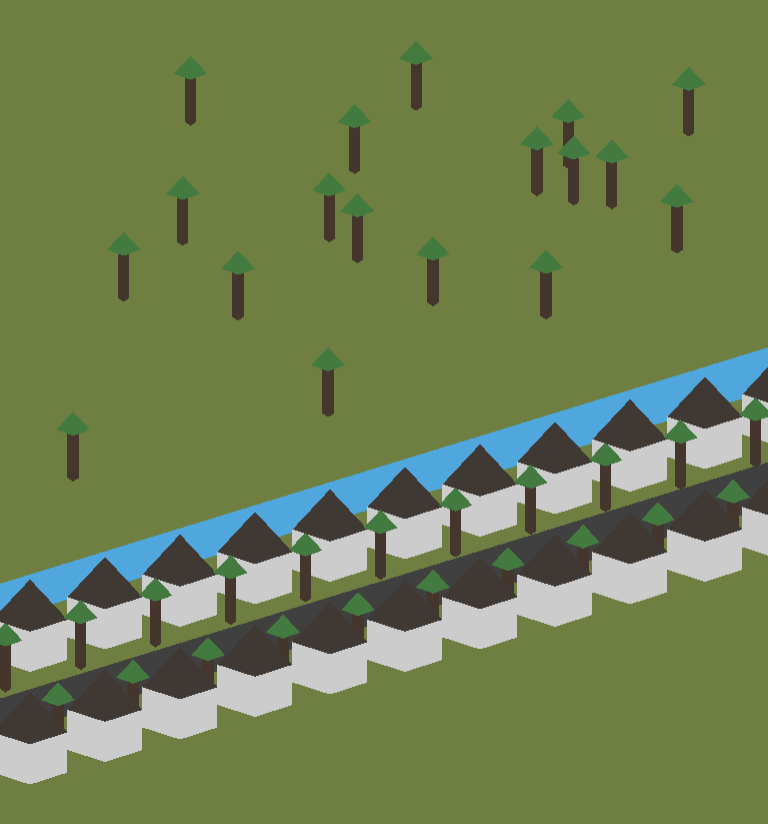
This program creates two still images, which can be selected when the program starts.
This program creates two still images, which can be selected when the program starts.

In this program, the Triforce follows the cursor and turns red when clicked.
This program displays the name Caedilas with the crest of Redroot Valley.
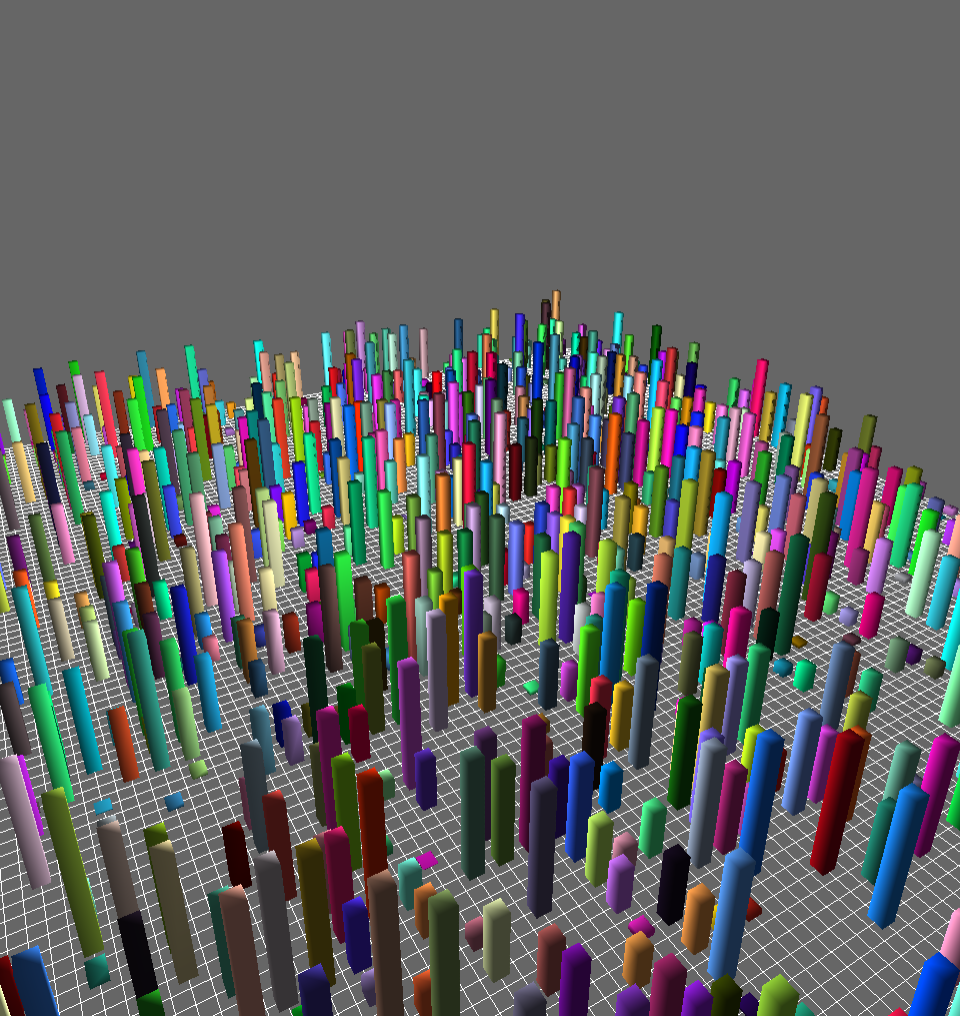
In this program, you can move and rotate the camera to view the city.
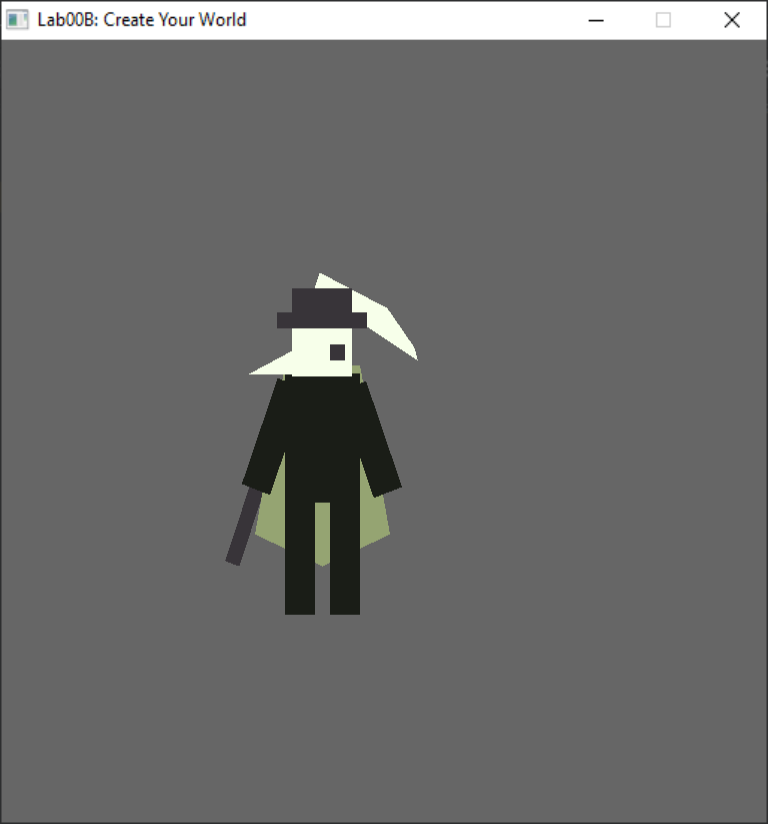
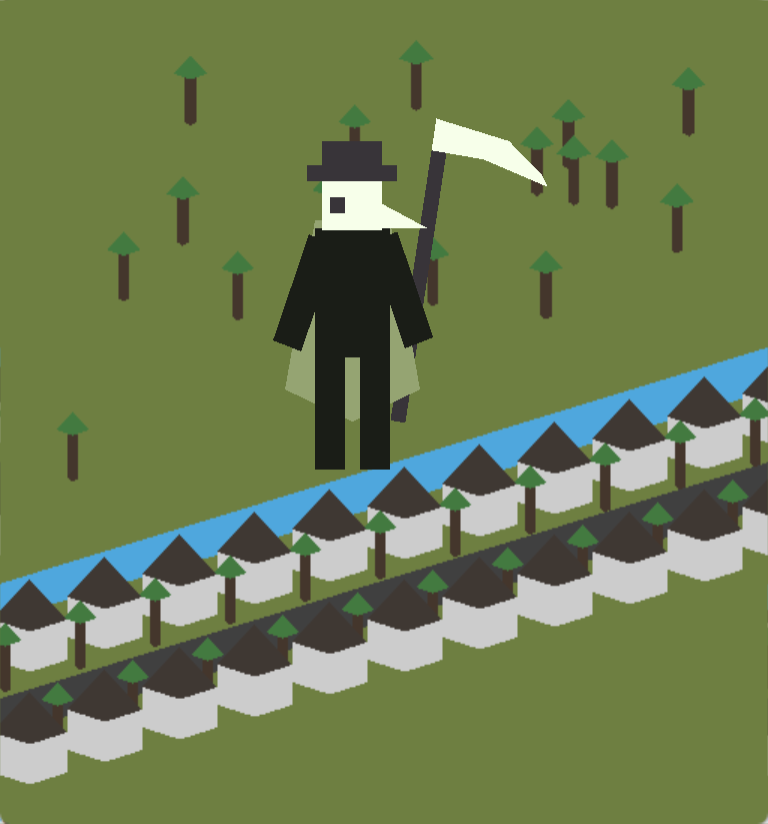
The character Caedilas can be moved with the WASD keys. When he reaches the edge of the screen, he will continue on to another location on the map. He points his scythe based on where the user's cursor is and throws it when the window is clicked. Once the scythe is off-screen, it will be reset in his hand.
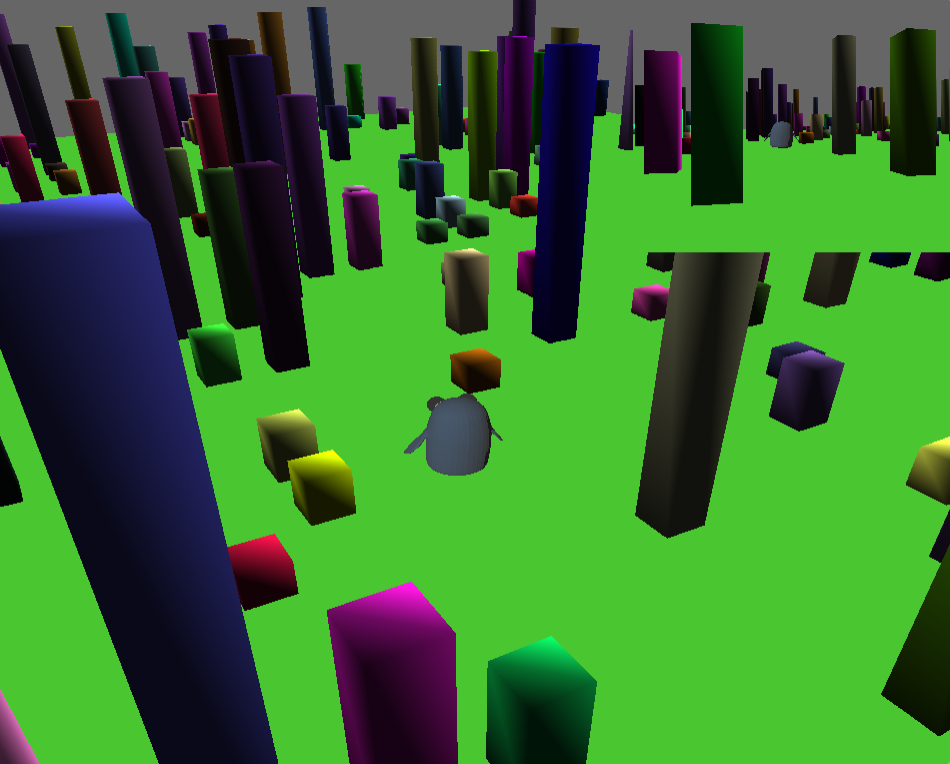
Caedilas is represented by a penguin from Adventure Time. He can be moved around the world with the WASD keys. The main camera view can be freely rotated around him. The secondary camera view is always facing his back.
This program uses two shaders: one for the uniformly colored ground and buildings, and another to load and shade the penguin's texture.
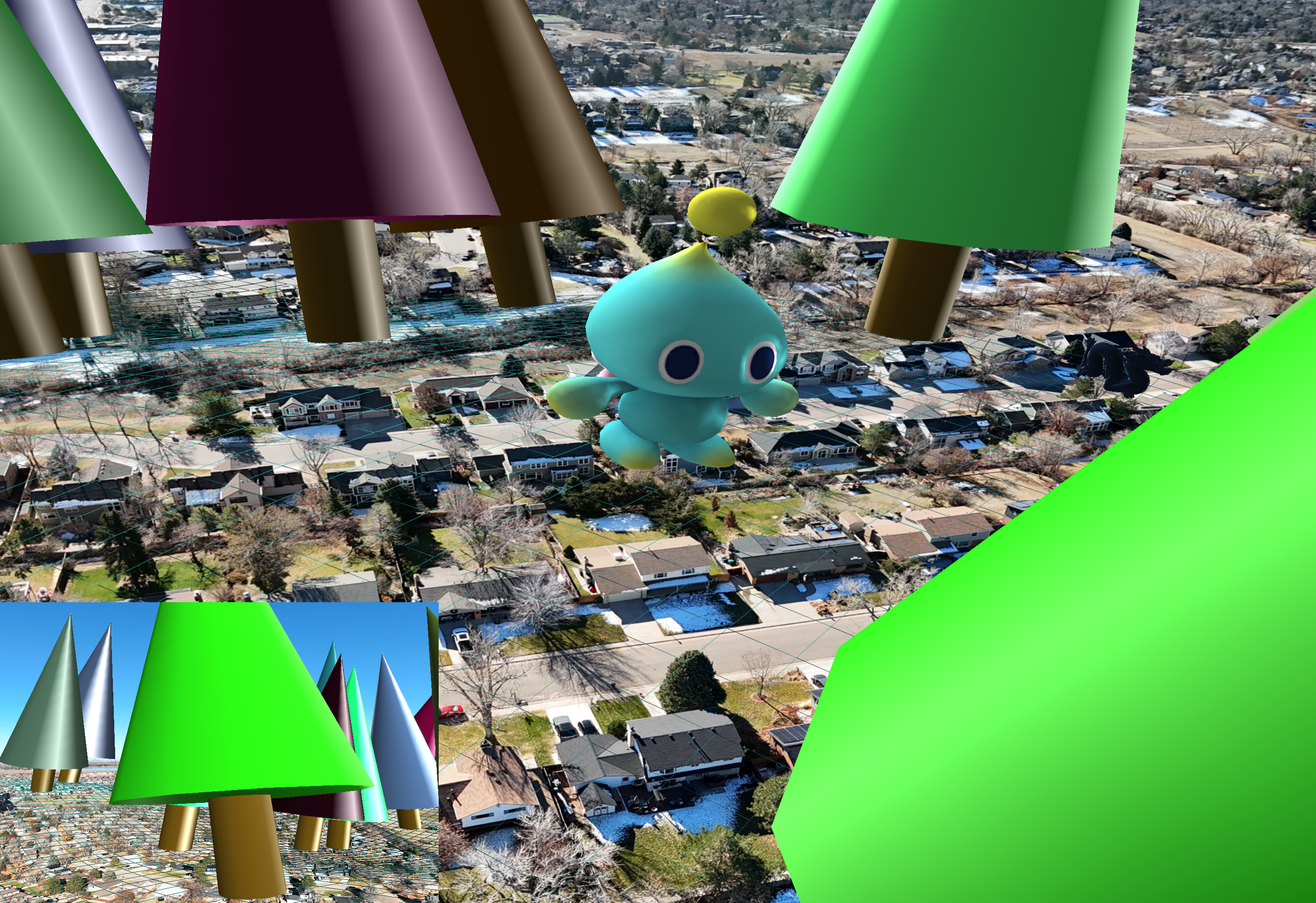
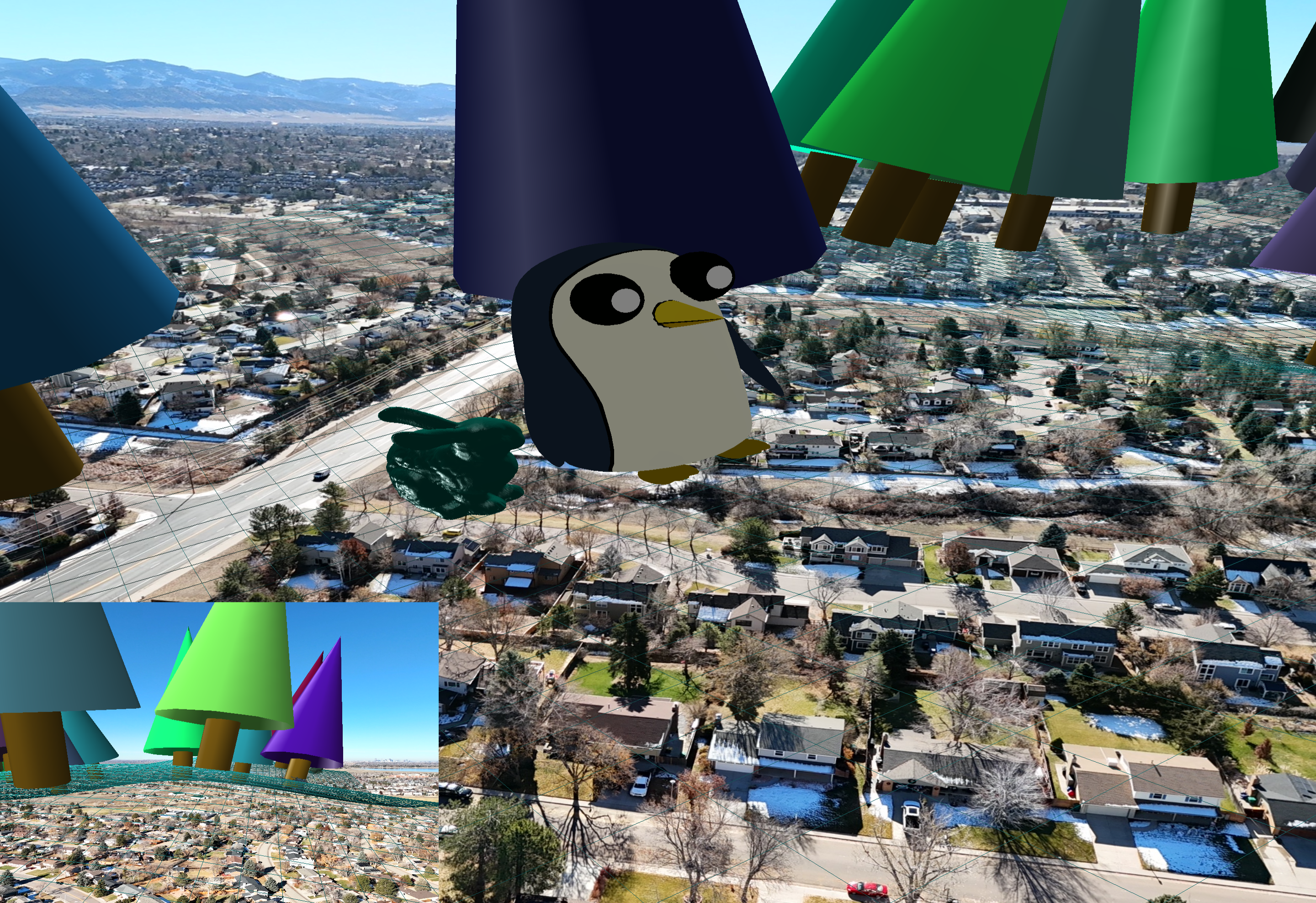
There are four characters in the world. They can be switched between using keys 1-4, while 5 selects a free camera mode. The currently selected player can be controlled to move around the world while the camera view centers on them. The viewport in the bottom left shows the character's perspective.
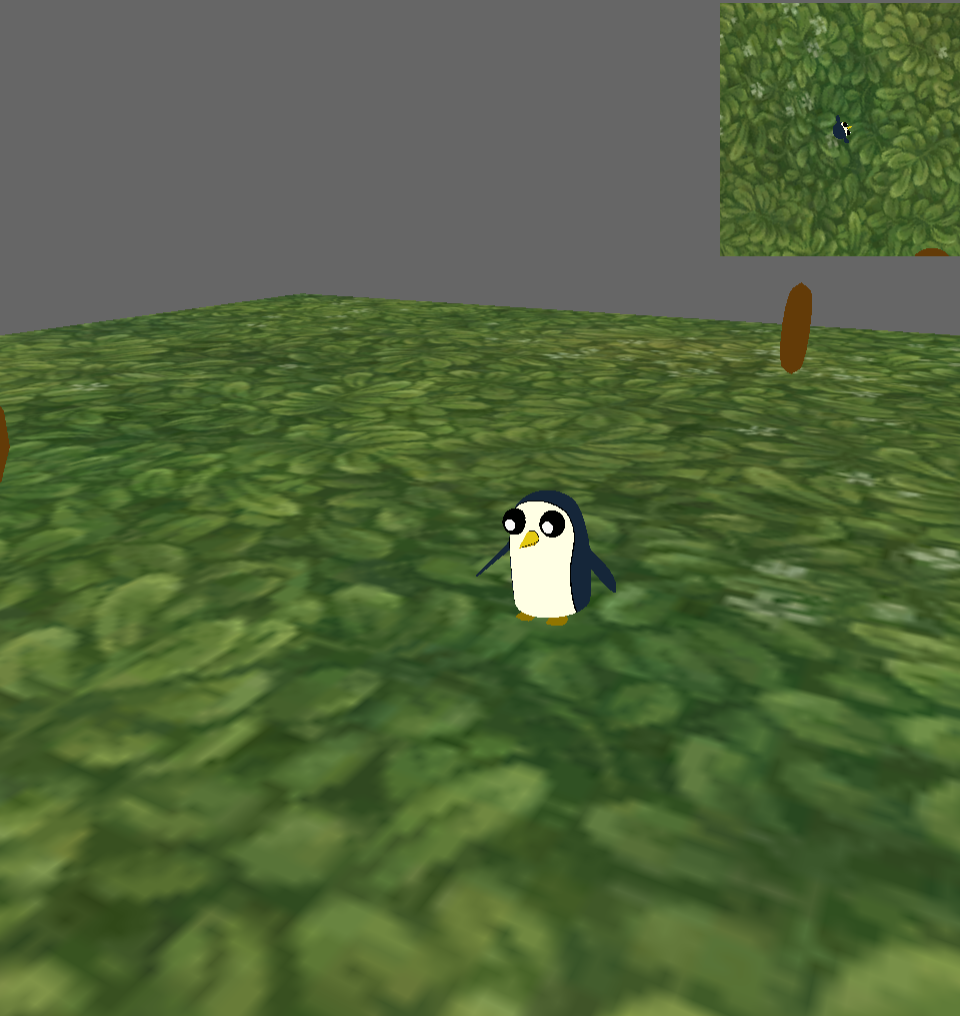
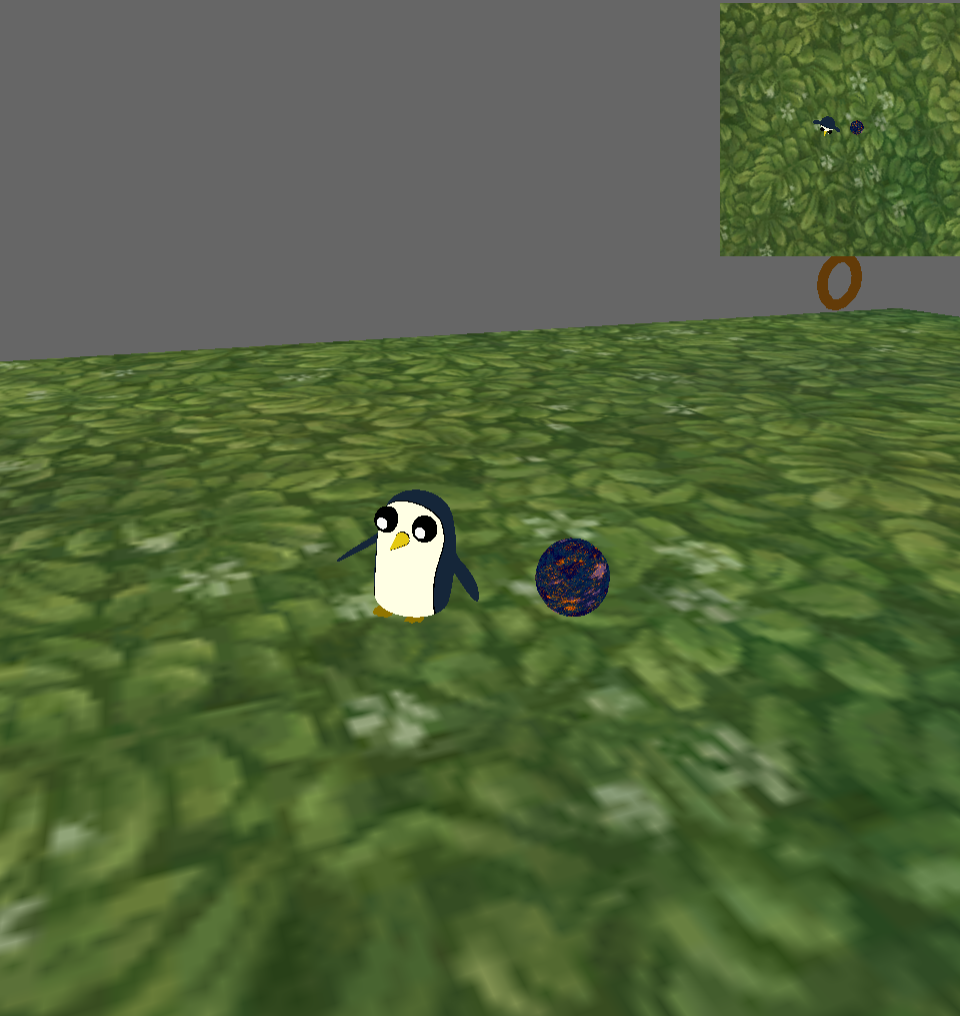
Caedilas is tasked with collecting the 6 rings without falling off the map or getting hit by one of the blue marbles following him. The bird's eye view in the top right allows the player to see any marbles sneaking up on them.
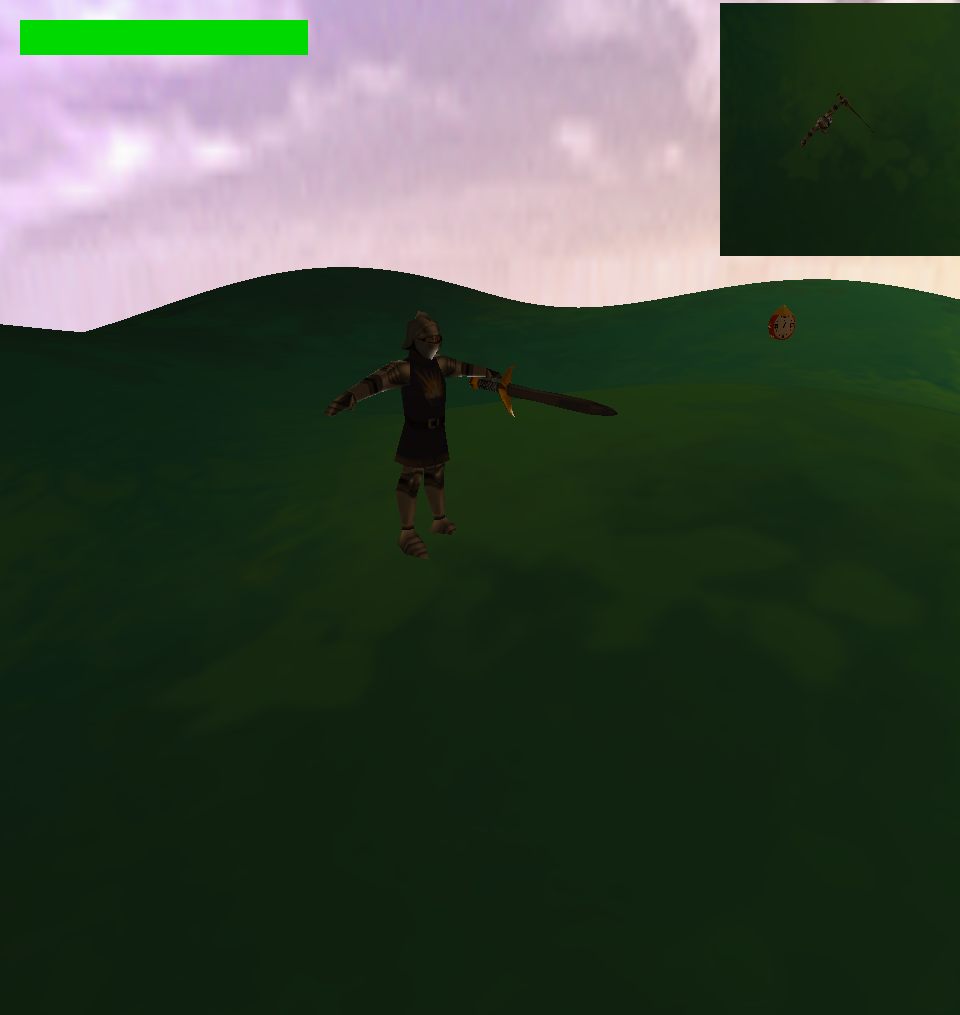
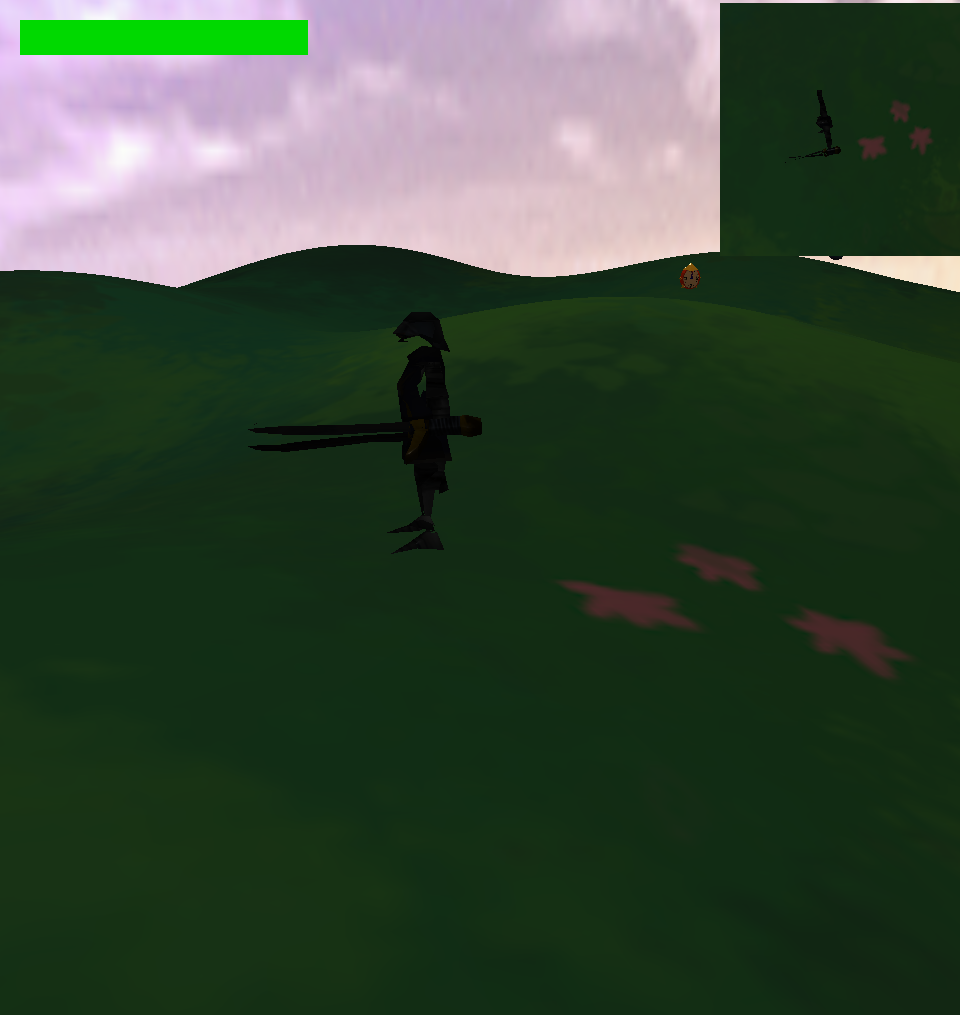
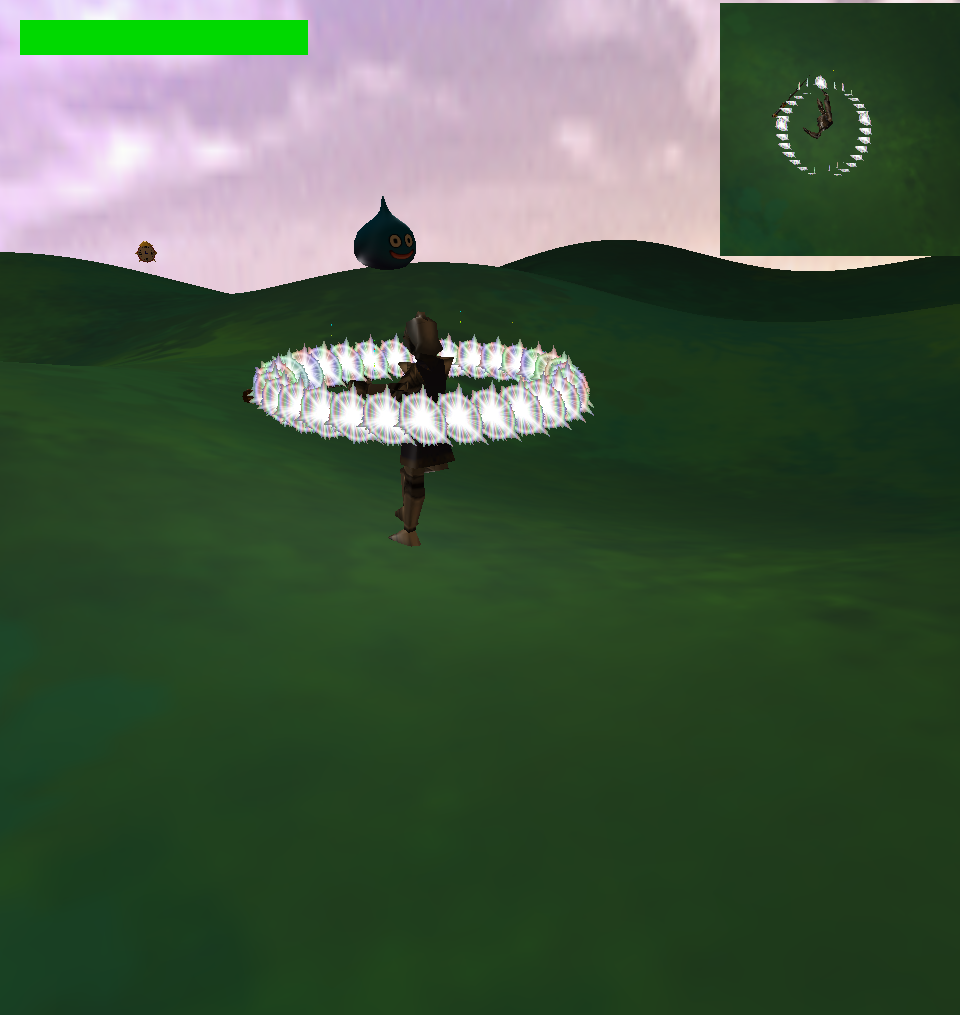
A knight has to survive waves of slimes approaching from the edges of the map. Swinging the sword kills slimes in a radius around the player. Picking up a clock temporarily slows down time, slowing both the slimes and the day/night cycle. Swarms spawn at night, and they get larger for every night survived.